2 Accessing MAGBES Management Software
The MAGBES is manageable via a Web Interface. To access the MAGBES an IP Address is necessary. This
address may be fixed, or retrieved from a DHCP Server.
To login a Password is required, which should be changed after the first login.
On first power-up or after loading the “Factory Default Values” (either by pressing the “Default” switch for more
than 4 sec, or clicking the Load Factory Default button on the System Configuration Page), the MAGBES uses
following IP Parameters:
2.1 Factory default system configuration parameters
Parameter First 12 seconds after Power-Up After the first 12 seconds
IP Address DHCP 192.168.1.254
Netmask DHCP 255.0.0.0
Gateway DHCP 0.0.0.0
Login user name admin
Login Password 1234
System Name Magbes
Location
Notes:
● After Power-Up, the MAGBES waits for a valid Link before starting the DHCP Client.
● If no DHCP server has been found 12 seconds after the detection of a valid link, the IP address
192.168.1.254 will be used.
● The “Login user name” is not changeable.
● The “System Name” and “Location” are changeable and should contain useful information for the
Network Administrator to identify the Switch.
● If using DHCP, the IP Address of the switch can be found in the log file of the DHCP Server.
2.2 Login
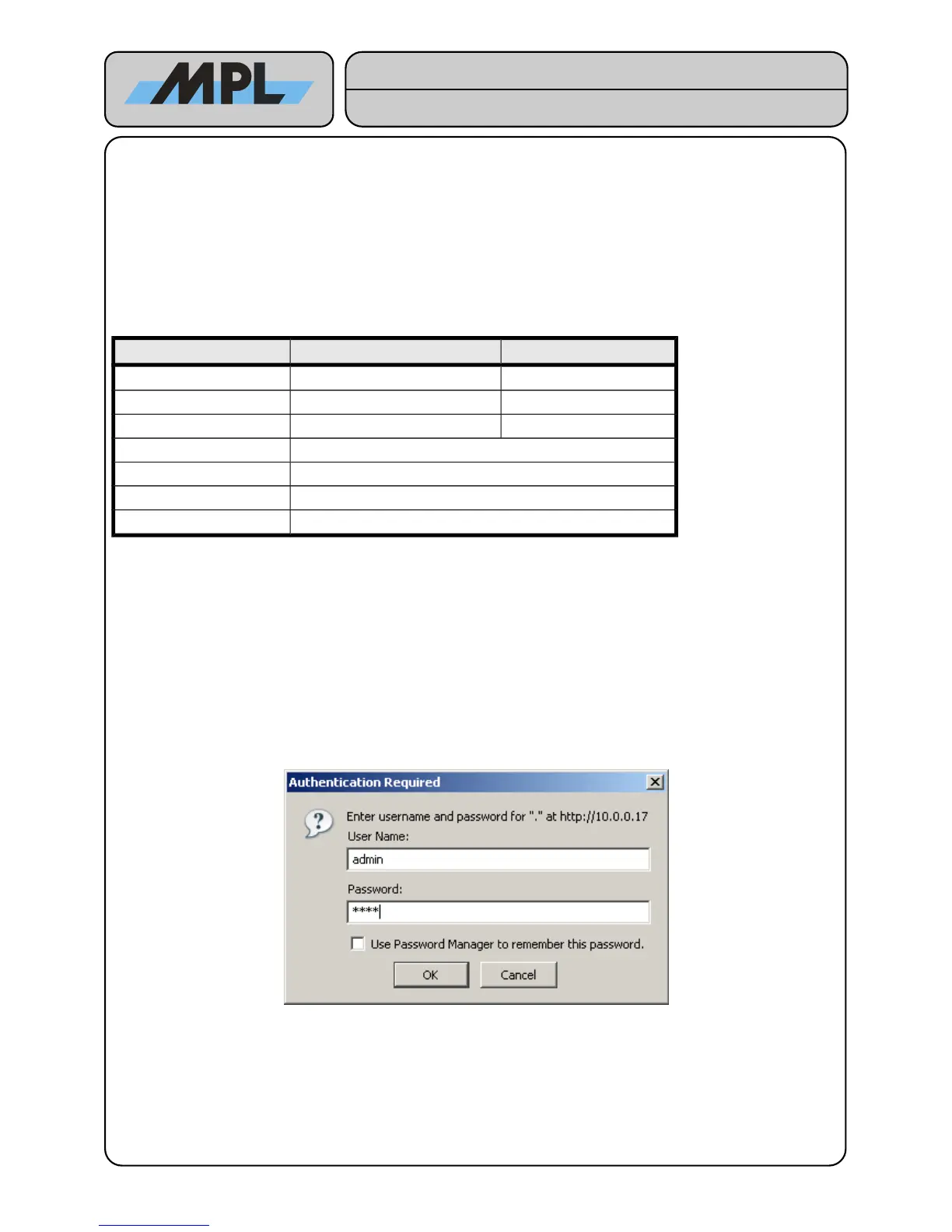
After entering the IP Address in the address field of your Internet browser, you have to login as “admin” User:
Enter the Password to access the MAGBES Management Web Interface.
2012 by MPL AG 7 MEH-10134-201 Rev. D


 To Next Page