MP3 playback
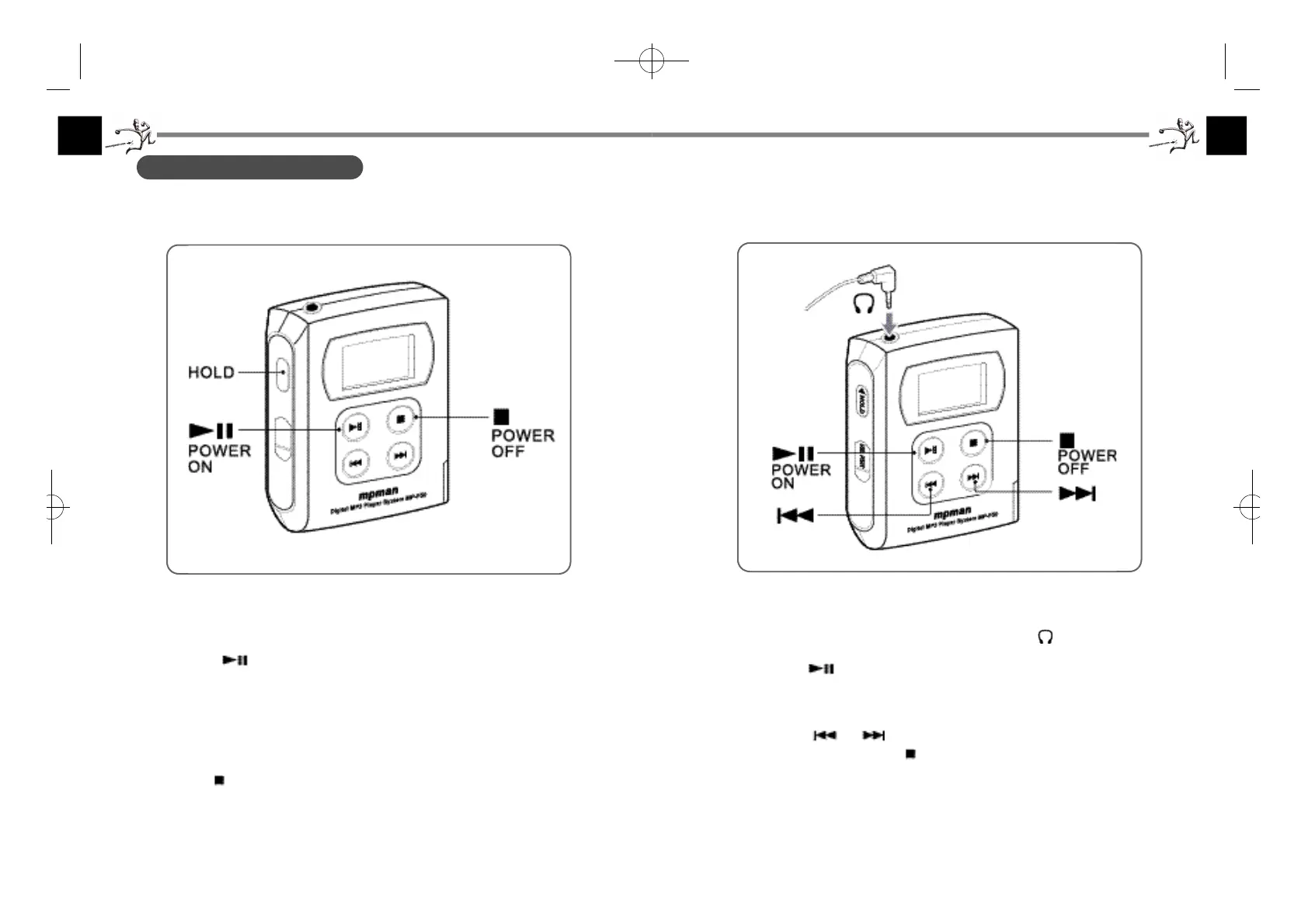
1. Connect the supplied earphone plug to the earphone jack of the player.
2. Press the POWER ON button to start playback.
Playback starts from the MP3 file that you played last time.
3. Adjust the volume.
Press the or button to change the track number.
To stop playback, press the POWER OFF button.
°¶27 °
3. PLAYER OPERAT I O N
Turning the power on and off
First, release the HOLD switch to activate the buttons of the player.
Press the POWER ON button to turn on the player.
On the Stop state, the power will be turned off automatically after about 30
seconds (Auto Power Off function).
If the HOLD switch is on, the power will be turned off automatically after 4
minutes.
To turn off the power before the Auto Power Off function turns off the power,
keep the POWER OFF button pressed for 1 second.
°¶26 °
F-50øµπÆ* 00.12.26 5:48 PM ∆‰¿Ã¡ˆ26



 To Next Page