4. New Folder button
A new folder under the selected folder in the local display list box will be
created.
5. Update button on the local display list box
If the information in the local display list box has been changed, click the
Update button to refresh the local display list box.
6~7. Initialize , Download , and Upload buttons
(Flash Memory - internal memory)
Initialize button
This will initialize the Flash Memory in the player. All files stored in Flash
Memory will be erased. You may need to initialize Flash Memory when for
some reason the player is not being recognized by the MPMan-F50 Manager
software.
Send to MPMan-F50 (Download) button
To copy MP3 files and data files from your PC to the player, drag and drop or
click the Send to MPMan-F50 (Download) button. Using the mouse, just
select the files you wish to download to the player. Then, drag and drop them
into the display list box of Flash Memory.
Note: The file name of “xxx.mp3” will be changed to “xxx.mpm” after
downloading.
Send to PC (Upload) button
You can also copy data files from the player to the selected folder on your PC.
If you use the Send to PC (Upload) button to copy them onto your PC, you
must select one folder as a destination. The MP3 files stored in the player
cannot be copied onto your PC.
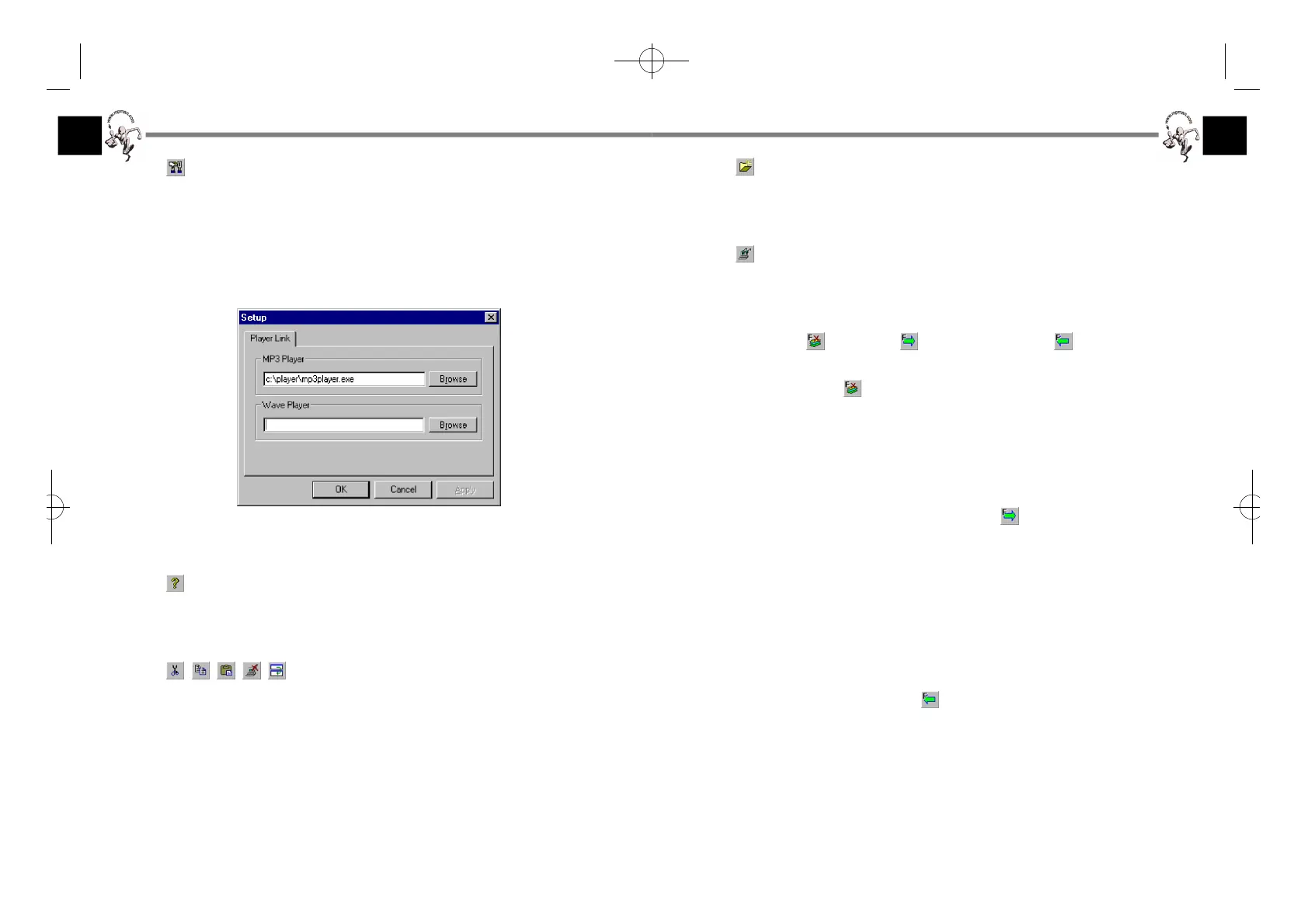
1. Option button
The Option button brings up the Setup menu that allows you to specify the
path for an MP3 software player on your PC. You can also access the Setup
dialog box from the Tools/Option menu.
Click the Browse button and select your preferred MP3 player, then click OK.
2. About button
Clicking on this button will display the version of the MPMan-F50 Manager
and its copyright information.
3. Cut, Copy, Paste, Delete, and Rename buttons
These buttons work the same as those of Microsoft Windows Explorer. You
can cut, copy, paste, delete, rename or move the files you select in the display
list box (local display list box) of the PC. However, folders will not be moved
or copied.
If you wish to copy some files to a folder, select the files and drag and drop
them while holding the Ctrl key pressed.
F-50øµπÆ* 00.12.26 5:48 PM ∆‰¿Ã¡ˆ16



 To Next Page