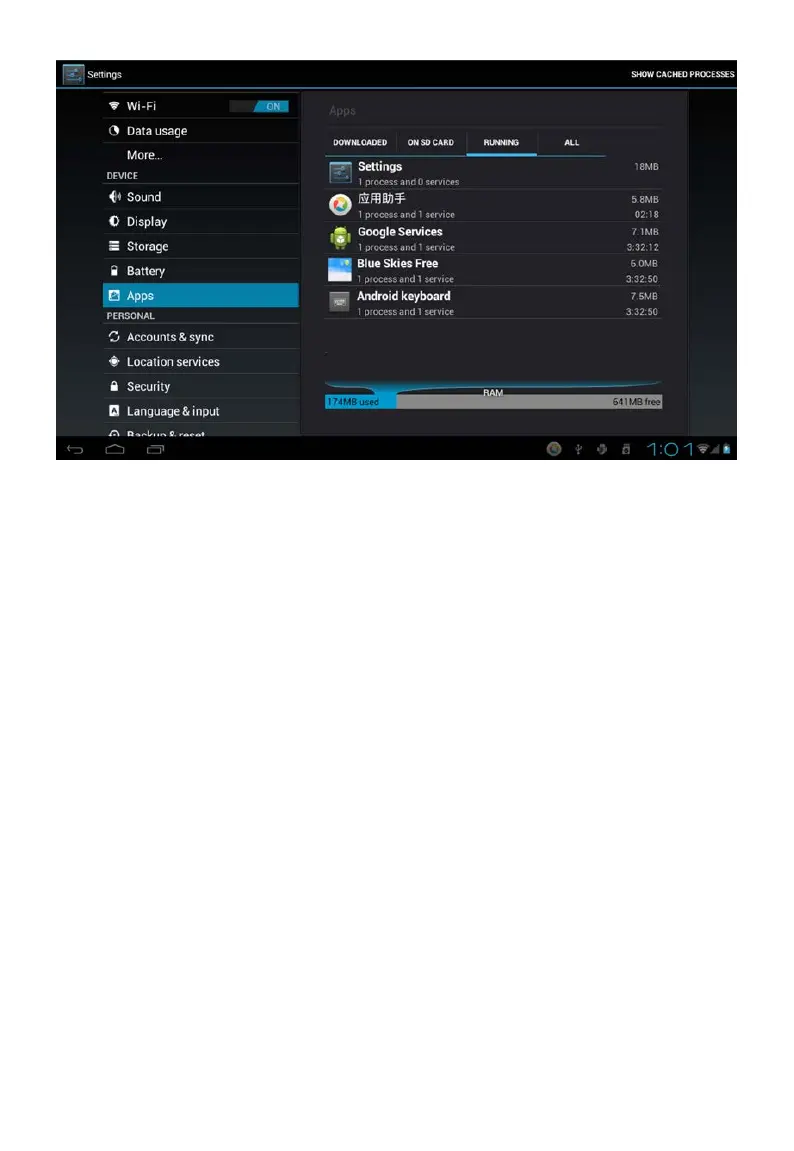
Tap the application you want to close. A pop-up window will be displayed.
Tap “Stop” to close that application.
Mandatory Power off
1. Press and hold the power button for 5 seconds and the device will be
powered off.
2. Press the reset button on the back and the device will be forced to be
powered off.
Restore Default Setting
If you want to reset the factory setting and erase all materials, please
press Settings → Privacy → Factory data reset.
** Warning: Factory data reset setting will delete your data and
configuration of system and applications from downloading.
**Please use this function carefully.



 To Next Page