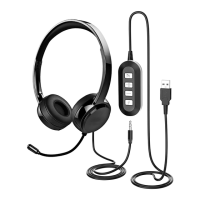
Headset Windows configuration
HEADSET CONNECTION (PC)
Page 9 of 17
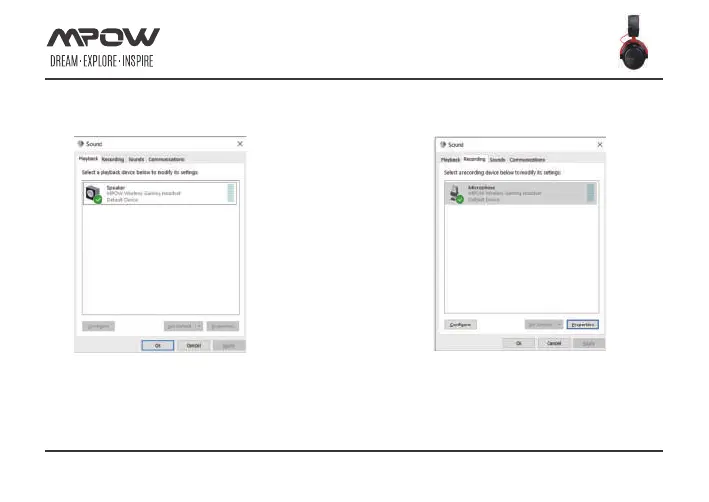
1.open the 'Control Panel',click on 'All Control Panel
Items',right-click on ‘MPOW wireless gaming headset’
and select ‘Set as Default Device’.
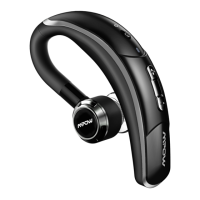
2.Click on the ‘Recording’ tab, then right-click
‘MPOW wireless gaming headset’and select
‘Set as Default Device’


 To Next Page