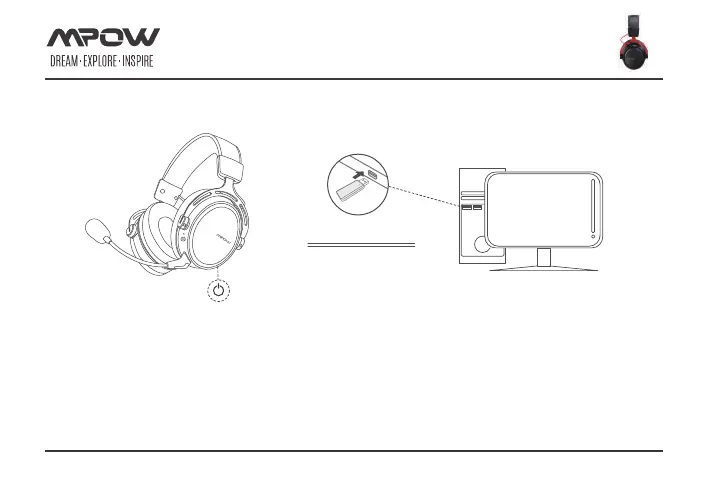
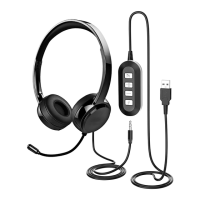
HEADSET CONNECTION (PC)
Page 8 of 17
To use the headset wirelessly on your PC:
1. Connect the wireless adapter to a USB port on your PC.
2. Press the power button on the headset for 3 seconds to power on.
3. When the wireless adapter status light is solid and the headset ear cup LED is solid, the headset is connected.
Note: If it is your first time using the headset you may need to set the headset as the default input and output device.
connection
Transmitter


 To Next Page