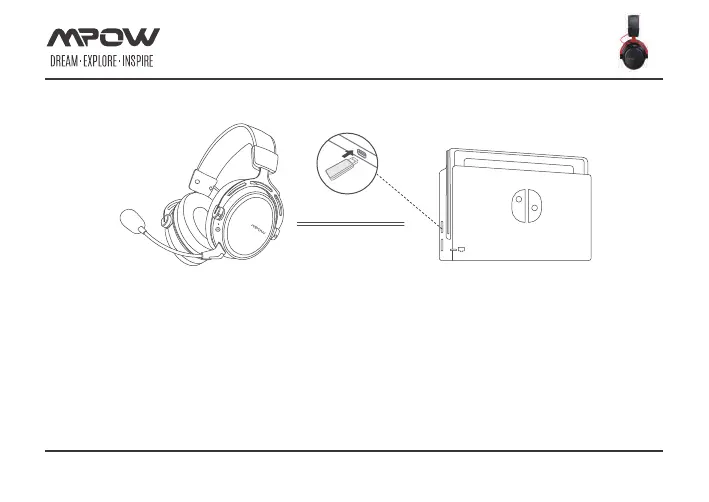
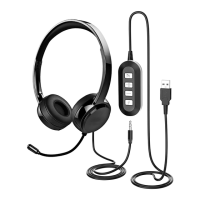
To use the headset wirelessly with Nintendo Switch
1. Turn on your Nintendo Switch Then plug the Switch into the docking station and connect the monitor.
2. Connect the wireless adapter to a USB port on your Nintendo docking station .
3. Press the power button on the headset for 3 seconds to power on.
4. When the wireless adapter status light is solid and the headset ear cup LED is solid, the headset is connected.
Page 14 of 17
connection
HEADSET CONNECTION(NINTENDO)


 To Next Page