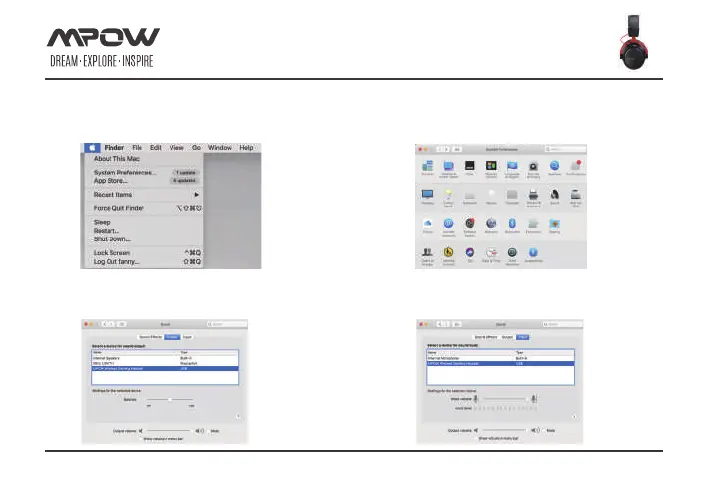
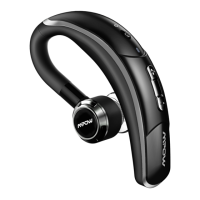
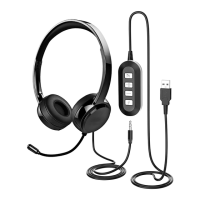
Headset MAC configuration
1.Click on 'System Preference...'
HEADSET CONNECTION (MAC)
Page 11 of 17
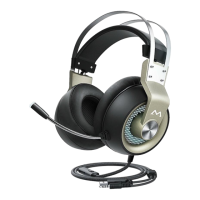
3.Click on ‘Output’,right-click on ‘MPOW wireless
gaming headset’ and select ‘Set as Default Device’.
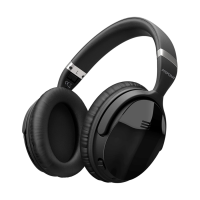
4.Click on ‘Input’,right-click on ‘MPOW wireless
gaming headset’ and select ‘Set as Default Device’.
2.Click on the ‘Sound’,then go to the next
step.2.Click on the ‘Sound’,then go to the next step.


 To Next Page