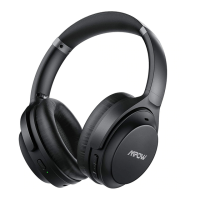
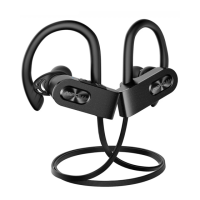
Long press MFB for 5 seconds to enter the paring mode, with red and blue light
taking turns to flash and the voice “pairing” heard.
Turn on Bluetooth function on the phone, search “Mpow H20” and click to connect.
The voice “connected” will be heard after the successful connection.
01
02
Drücken Sie bitte lange Zeit die Multifunktionentaste ca. 5 Minuten, um in den
Verbindung-Modus zu stellen. Das rote und blaue Licht wird blinken, und Sie
„pairing“ hören.
Turn on Bluetooth function on the phone, search “Mpow H20” and click to connect.
The voice “connected” will be heard after the successful connection.
01
02
Appuyez longuement sur MFB pendant 5 secondes pour passer en mode de
couplage, les voyants rouge et bleu clignotant et la voix “couplage" entendue.
Activez la fonction Bluetooth sur le téléphone, recherchez "Mpow H20" et cliquez pour
vous connecter. La voix "connectée" sera entendue une fois la connexion établie.
01
02
Mantenga presionado MFB durante 5 segundos para ingresar al modo de
emparejamiento, con la luz roja y azul parpadeando y se escuchará la voz "pairing".
Active la función Bluetooth en el teléfono, busque "Mpow H20" y haga clic para
conectarse. La voz "connected" se escuchará después de la conexión exitosa.
01
02


 To Next Page