Need help?
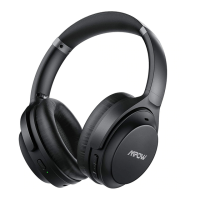
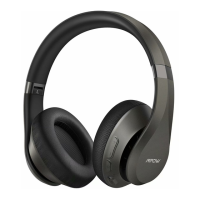
Do you have a question about the Mpow H20 and is the answer not in the manual?
Long press MFB for 2 seconds, with blue light flashing for 1 second until you hear the voice "power on".
Long press MFB for 5 seconds, with red light flashing until you hear the voice "power off".
Long press MFB for 5 seconds to enter pairing mode, with red and blue light flashing.
Turn on Bluetooth, search "Mpow H20" and connect. Voice "connected" confirms success.
 General
| Brand | Mpow |
|---|---|
| Model | H20 |
| Category | Wireless Headphones |
| Language | English |

 To Next Page