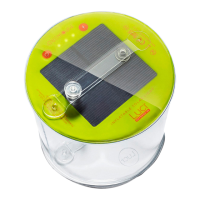
Charge via solar
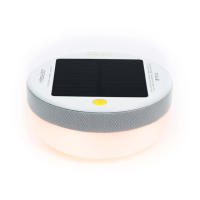
• With solar panel side up, place in direct
sunlight for up to 13 hours for a full charge.
Charge via USB
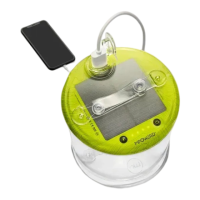
• Insert the USB cord provided into the USB
port on the side of product, and then insert
the other end into a USB outlet for 1 hour.
• Ensure the cord is firmly in position when
connected.
Charging
1
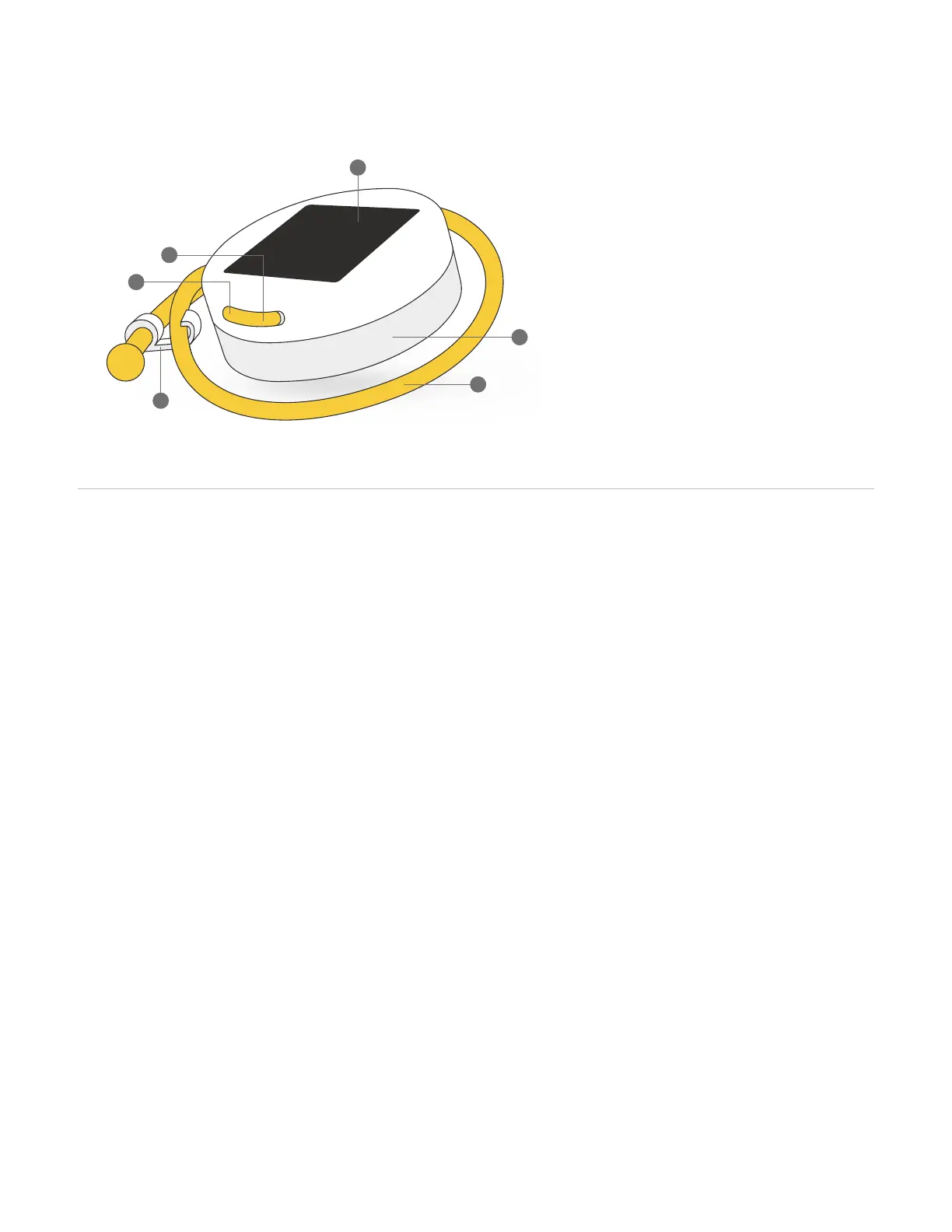
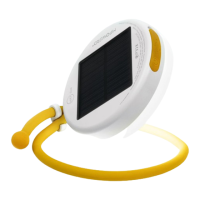
Getting to know Luci
Power button
Solar panel
Built-in USB port
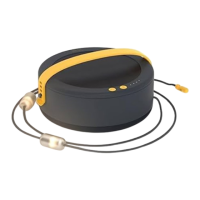
Adjustable arm
Matte top plate
Hook clip
1.
2.
3.
4.
5.
6.
2
5
4
1
6
3
Shine
• Press power button to turn unit on.
• 1 click for low mode, 2 clicks for medium, 3
clicks for high, 4 clicks for flashing, 5 clicks
to turn off, or hold for 2 seconds at any time
to turn off.
Adjusting the arm
• To adjust the arm, simply twist and bend
the arm to any position needed, and the
strength of the arm will hold in place.
• Arm can be twisted and formed into any
shapes, as many times as necessary without
affecting the material.
• Use the "hook clip" at the end of the arm
to lock a loop in place or balance the light
when upright.
How to use


 To Next Page