© mPTech 2024. All rights reserved. HF2403_HF2403e EN
25
Turning the phone on/off ....................................................................... 29
Inserting a SIM card, memory card, and the battery .................... 29
Charging the phone .................................................................................. 29
Sounds and user profiles ........................................................................ 30
Lock the phone ........................................................................................... 30
Calling ............................................................................................................ 30
Answering..................................................................................................... 30
Text messages ............................................................................................ 30
Creating and sending text messages............................................ 30
Messages display ...................................................................................... 31
Phonebook .................................................................................................... 31
Adding a new contact ............................................................................. 31
Search for a contact ................................................................................ 31
Deleting contacts ...................................................................................... 31
Accidental change of language ............................................................. 31
Factory settings ......................................................................................... 32
Torch ............................................................................................................... 32
Troubleshooting ......................................................................................... 32
Proper use of the battery ....................................................................... 33
Proper phone maintenance ................................................................... 34
Correct disposal of used equipment .................................................. 35
Correct disposal of used batteries ...................................................... 35
Package content
Before you start using your phone, make sure all of the following
items are included in the box:
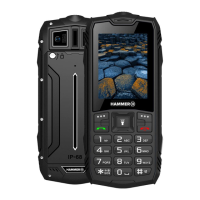
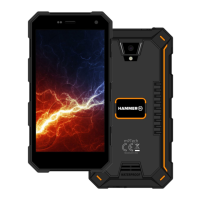
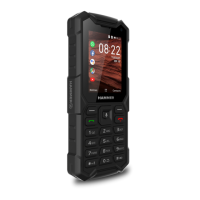
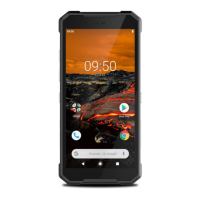
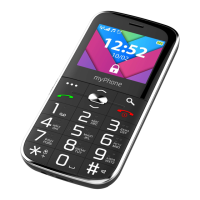
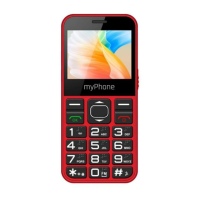
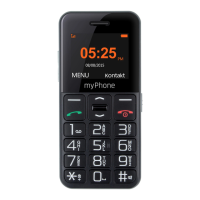
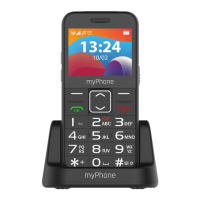
• HAMMER phone


 To Next Page
 Loading...