EasyManua.ls Logo

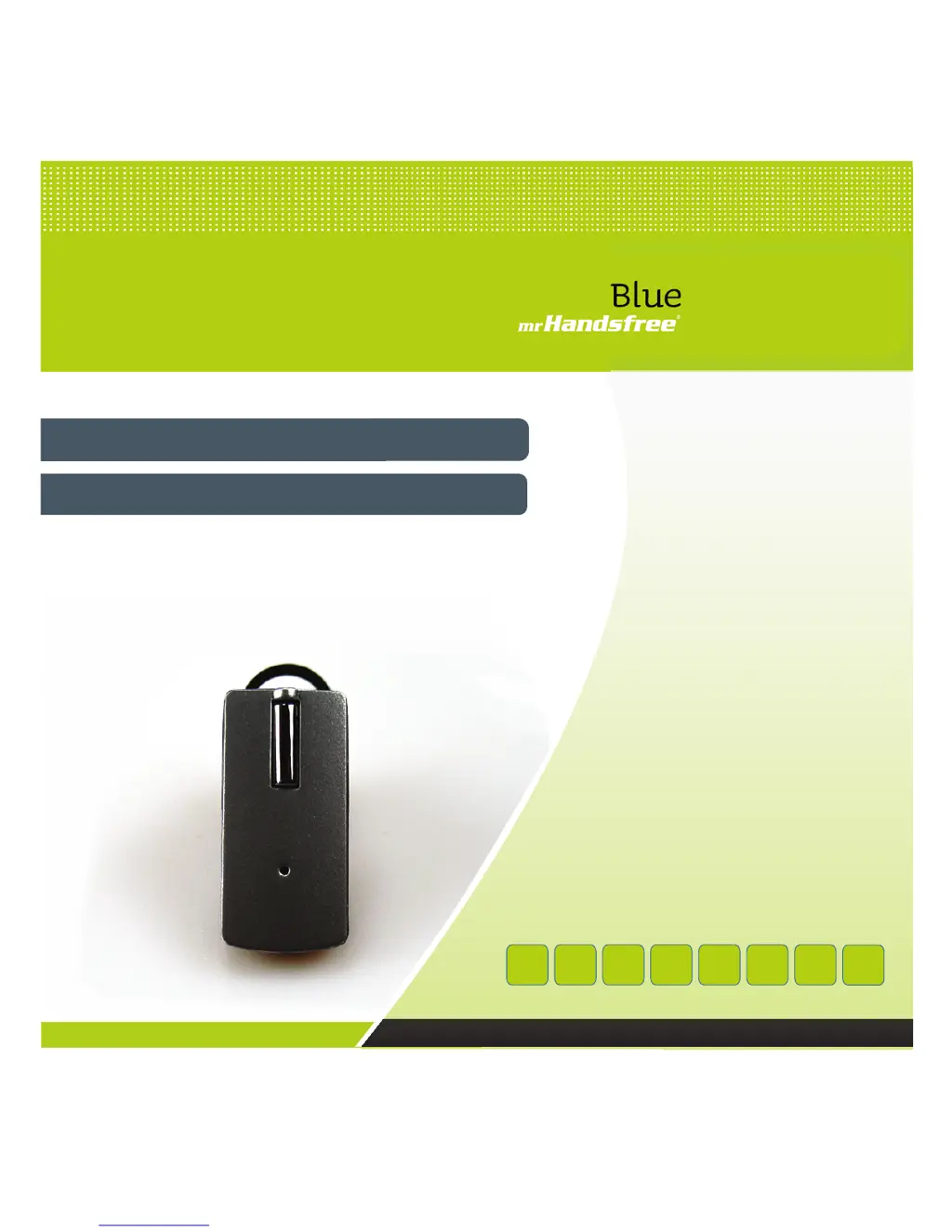
Mr Handsfree Blue Luxe - User Manual

Mr Handsfree Blue Luxe
47 pages
Print Icon
To Next Page IconTo Next Page
Loading...
Bluetooth Wireless Headset
MANUAL
ED GR
DK
I
www.mrhandsfree.com
FGB NL
Luxe

Table of Contents

Other manuals for Mr Handsfree Blue Luxe

Questions and Answers

  • D
    Dennis RussoAug 10, 2025
    What to do if there is no sound from Mr Handsfree Blue LUXE Headsets?
    • K
      Kristen AllenAug 10, 2025
      If you're experiencing no sound between your Mr Handsfree Blue LUXE headset and other devices, ensure that both devices are properly paired. Also, verify that your headset is powered on and that the devices are within the 10-meter working range. Check your mobile phone's signal strength. If you have multiple headsets paired with your phone, disconnect the others, as some phones only support one Bluetooth headset at a time.
  • S
    sarah72Aug 19, 2025
    Why is there disturbance noise from Mr Handsfree Blue LUXE Headset?
    • B
      brian85Aug 19, 2025
      If you are experiencing disturbance noise coming from your Mr Handsfree Blue LUXE headset, it could be due to a weak signal area on your mobile phone. Using the headset in a weak signal area may result in unclear audio. Also, ensure that you are within the 10-meter operative range. The headset will automatically try to reconnect within 90 seconds, depending on your mobile phone.
  • L
    Lucas LopezAug 29, 2025
    Why is there no red light when charging Mr Handsfree Headsets?
    • B
      bthompsonAug 29, 2025
      If you don't see a red light when charging your Mr Handsfree Blue LUXE headset, especially when using it for the first time or after it hasn't been used for a while, it might be because the battery capacity is very low or completely empty. Give it some time to charge; the red indicator should light up eventually.

Summary

GETTING STARTED

CHARGING THE BATTERY

Instructions for charging the rechargeable battery for initial and subsequent uses.

MAIN FUNCTIONS MULTIFUNCTIONAL BUTTON & RED;BLUE LED INDICATOR

Details on the multifunction button and LED indicators for device operation.

TURNING THE HEADSET ON;OFF

Steps to power the Bluetooth headset on and off using the multifunction button.

PAIRING THE HEADSET

CONNECTION

Restoring a disconnected Bluetooth connection between the headset and phone.

DISCONNECTION

Methods to disconnect the headset from a paired mobile device.

MAKING AND ANSWERING; ENDING CALLS

MAKING CALLS

How to initiate calls using voice dialing or phone keys.

ANSWERING; ENDING CALLS

Procedures for answering incoming calls and ending active calls.

TRANSFERRING CALLS

Steps to transfer calls between the headset and the mobile phone.

CONNECTING WITH A PC OR PDA

Guidance on connecting the headset to a Bluetooth-enabled computer or PDA.

ADJUST THE VOLUME

TROUBLE SHOOTING

NO RED INDICATOR WHILE CHARGING

Addresses issues with the charging indicator light not appearing.

NO SOUND CONTACT

Solutions for connectivity problems between the headset and other devices.

MULTIPLE BLUETOOTH DEVICES APPEARING

Explains why multiple Bluetooth devices might appear during search.

DISTURBANCE NOISE

Factors affecting audio quality and potential noise interference.

Mr Handsfree Blue Luxe Specifications

General IconGeneral
Bluetooth Version2.0
Charging Time2 hours
Wireless Range10 meters
MicrophoneYes
Water ResistanceNo

Related product manuals