EasyManua.ls Logo

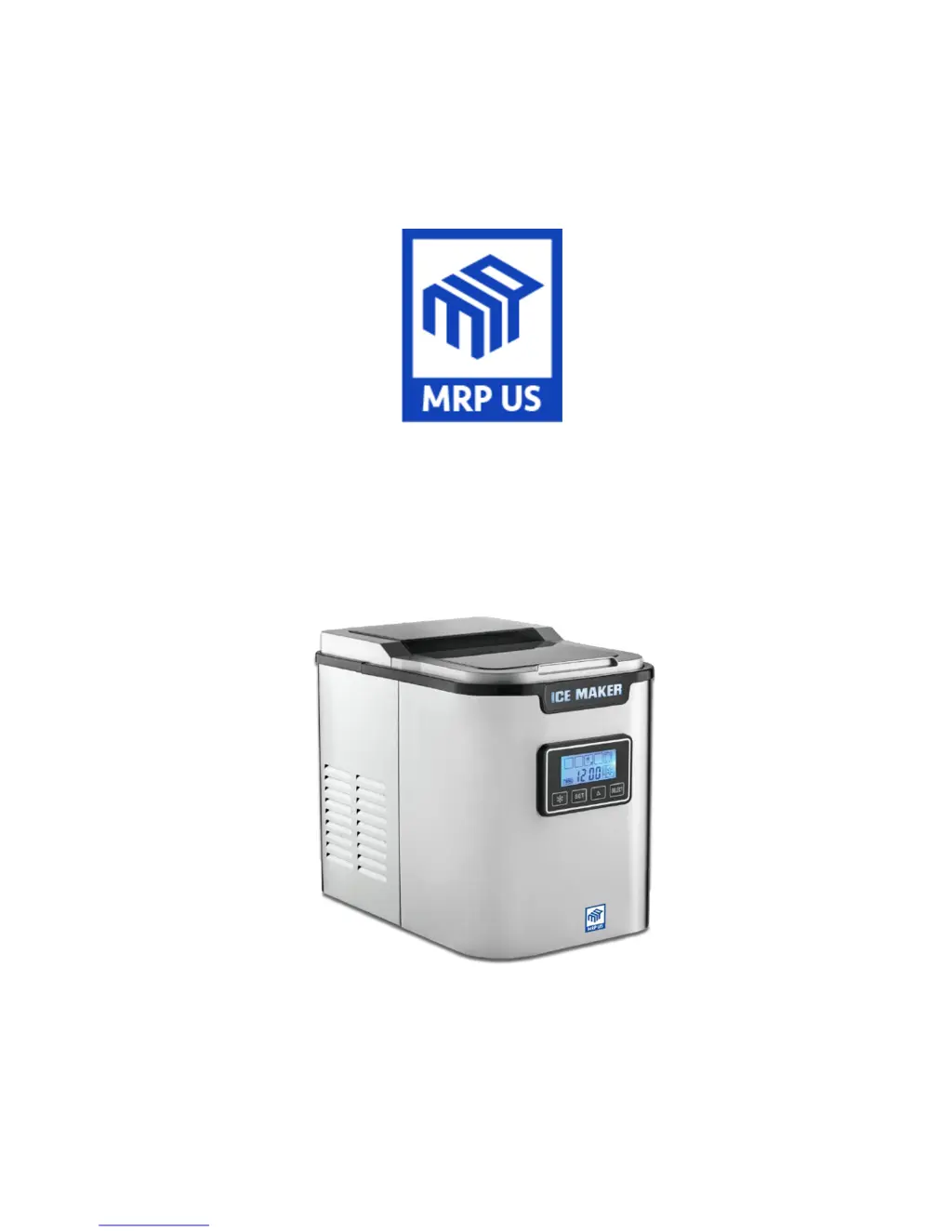
MRP IC703 - User Manual

Default Icon
12 pages
Print Icon
To Next Page IconTo Next Page
Loading...
OPERATION MANUAL
Model: IC702/703 Ice Maker

Questions and Answers

  • M
    Melanie WardAug 7, 2025
    Why is my MRP IC703 not making ice or not performing well?
    • C
      Christine GoodwinAug 7, 2025
      Why is my MRP Ice Maker not making ice or not performing well? Possible causes include blocked heat output, high water temperature, high ambient temperature, or refrigerant leakage. To resolve this, clean the dust from the air inlet and outlet, use room temperature water, and move the ice maker to a cooler location. If the refrigerating system is damaged, professional maintenance is required.
  • R
    Robert PorterAug 12, 2025
    What to do if the ADD WATER icon flashes on my MRP Ice Maker?
    • C
      Carl EwingAug 12, 2025
      What to do if the ADD WATER icon flashes on my MRP Ice Maker? This indicates an absence of water. Refill the ice maker with drinkable water and press the button to clear the alert. If the issue persists, the water supply system or components may be damaged, requiring professional maintenance.
  • E
    erindelgadoAug 17, 2025
    Why does the ICE FULL icon light up on my MRP IC703?
    • C
      christopher34Aug 17, 2025
      Why does the ICE FULL icon light up on my MRP Ice Maker? This can occur if the ice bucket is full or due to low-temperature protection (ambient temperature is below 5°C). The ice maker should automatically recover once you remove ice cubes. If it's due to low temperature, move the ice maker to a warmer place where the ambient temperature is above 5°C.
  • A
    Amanda WatsonAug 22, 2025
    What does it mean when the malfunction icon flashes on my MRP Ice Maker?
    • K
      Katie SmithAug 22, 2025
      What does it mean when the malfunction icon flashes on my MRP Ice Maker? This usually means that the ice-making box is in an incorrect position. Check for any foreign objects stuck in the ice-making box. If there are no obstructions, internal components may be damaged, requiring professional maintenance.
  • T
    Tina CrawfordAug 27, 2025
    How to fix abnormal noise coming from MRP IC703 Ice Maker?
    • C
      Charles MartinAug 27, 2025
      How to fix abnormal noise coming from MRP Ice Maker? Abnormal noise often indicates that the fan or pump is obstructed. Ensure the appliance is set up in a proper location. If the noise persists, professional maintenance is required.
  • P
    Paul HallSep 1, 2025
    How to troubleshoot a dim LCD screen on my MRP IC703?
    • B
      Brandy MaxwellSep 1, 2025
      How to troubleshoot a dim LCD screen on my MRP Ice Maker? First, check if the power source is switched on and appropriate. Ensure the power cord is properly connected to both the unit and the power supply. If the LCD is still not bright, internal components may be damaged, requiring professional maintenance.

Summary

Important Safety Instructions

Safety Precautions

Voltage Check and Environmental Hazards

Ensures correct voltage and advises keeping unit away from heat, sunlight, and humidity.

Safety Precautions (Continued)

Water Proximity and Cable Safety

Prohibits use near water sources and stresses power cord integrity.

Water Type and Level Requirements

Mandates potable water and warns against over/underfilling the reservoir.

User Safety and Handling

Covers proper plug removal, child safety, and appliance handling.

User Capability and Supervision

Specifies user limitations and the need for supervision, especially for children.

Operational Restrictions

Warns against misuse, flammable substances, and moving while on.

Preparation Before Use

Self-Cleaning Mode

Cleaning and Maintenance

Troubleshooting

MRP IC703 Specifications

General IconGeneral
BrandMRP
ModelIC703
CategoryIce Maker
LanguageEnglish

Related product manuals