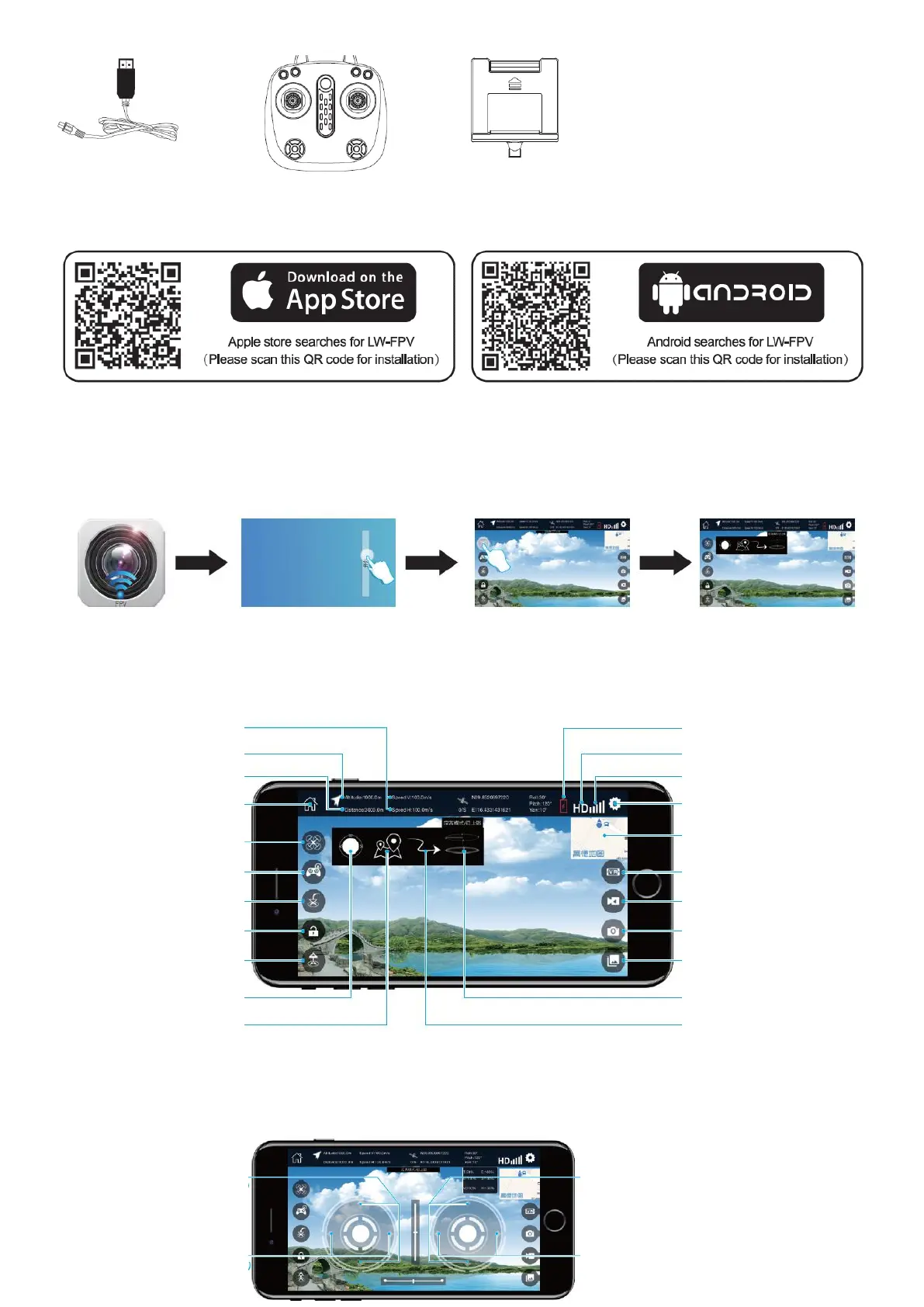
APP DOWNLOAD AND INSTALLATION INSTRUCTIONS
1. Download and install the software
2. Connection
Turn on the drone , enter into Mobile phone “setting”, open the wireless network, and then you will find a hotspot named “WIFI
720P.....”, connect it and exit the setting.
Note: if you cannot see wifi hotspot, please turn off wifi and turn on again, and you will see it.
Open the App “LW-FPV” and press “start” to enter the control interface.
Note: pls stay away from other signal interference and keep your mobile phone celluar data working normally;
APP CONTROL INTERFACE INTRODUCTION
Note: Waypoint flight/Surround mode (orbit mode) is not available now, pls do not press the two buttons.


 To Next Page