5
Power Supply Upgrades
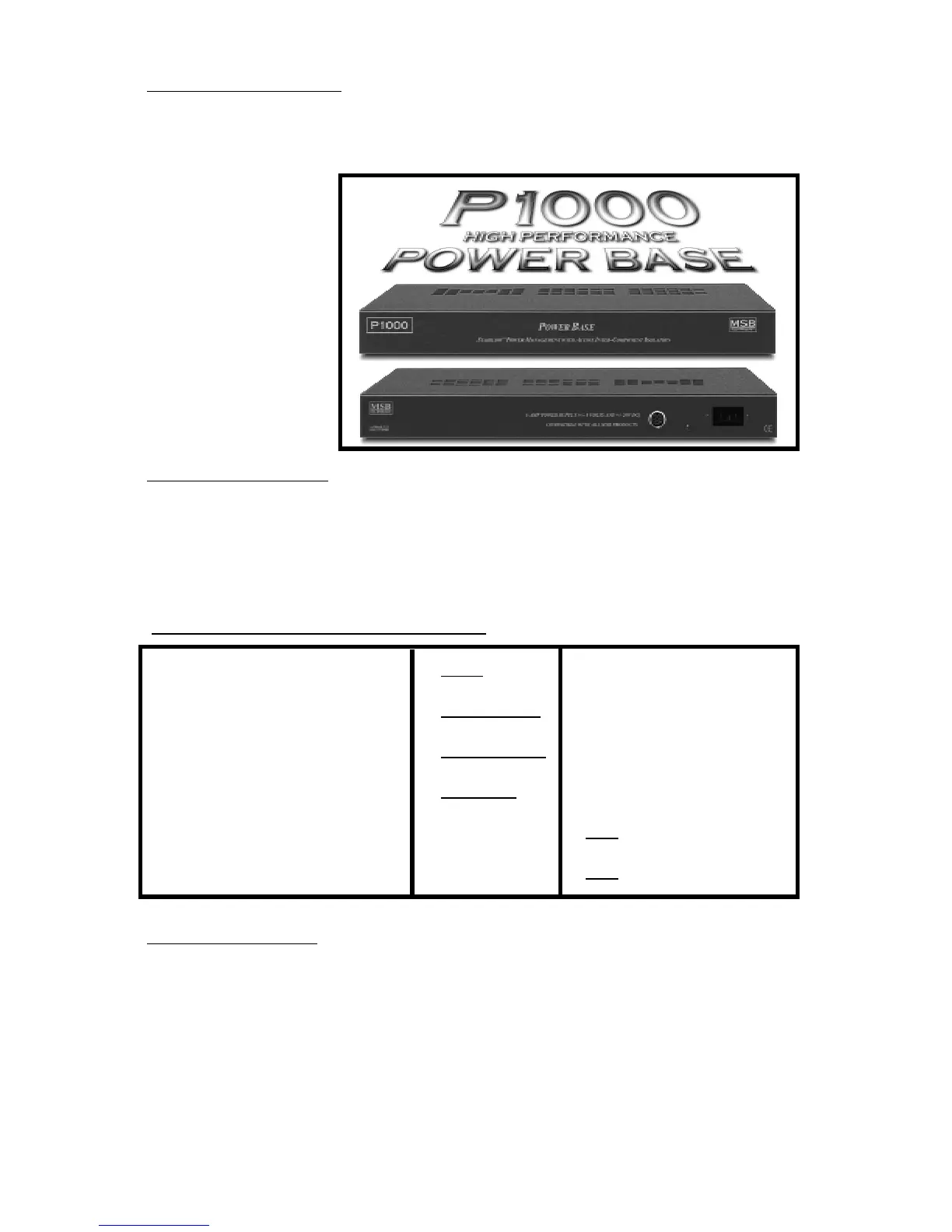
This is supplied with an outboard desktop power supply. This supply does limit the
sonics of the unit and the P1000 Power Base is really recommended . This heavy
duty supply is based
on a large triple wound
toroidal transformer.
It is intended to sit di-
rectly under the
LINK. It will supply
the power, and most
importantly, the in-
stantaneous current
demands of the high
slew-rate op amps
used in this product.
Configuration Options
Inside the LINK III are several headers with jumpers installed. They change various
functions of the LINK III and allow upgrades to be installed. Several options can be
set by the user as shown in the table below. Each is described in detail.
Opening the LINK III
Place the LINK III on a soft surface like a tablecloth or carpet. Disconnect the power
supply. Remove the three philips screws on the back edge of the cover. Turn the
LINK over and remove the three philips screws from the front edge of the cover.
Carefully separate the base from the cover. Pick up the base and flip it over, placing
it inside the cover. Take care not to disconnect the ribbon cable to the front panel.
Place the LINK so that the RCA connectors are facing AWAY from you. This way
all the diagrams will be oriented correctly.
Standard Configuration - As shipped
Upsampling Frequency: 96K 132K
Balanced Input: AES/EBU MSB Network (192k)
MSB Network Channel 1st (Front) 2nd, 3rd, 4th
Data Inversion: Normal Inverted
Zero Option: On Off
Analog Filters: On Off


 To Next Page