En-12
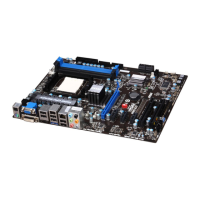
MS-7576 Mainboard
Back Panel
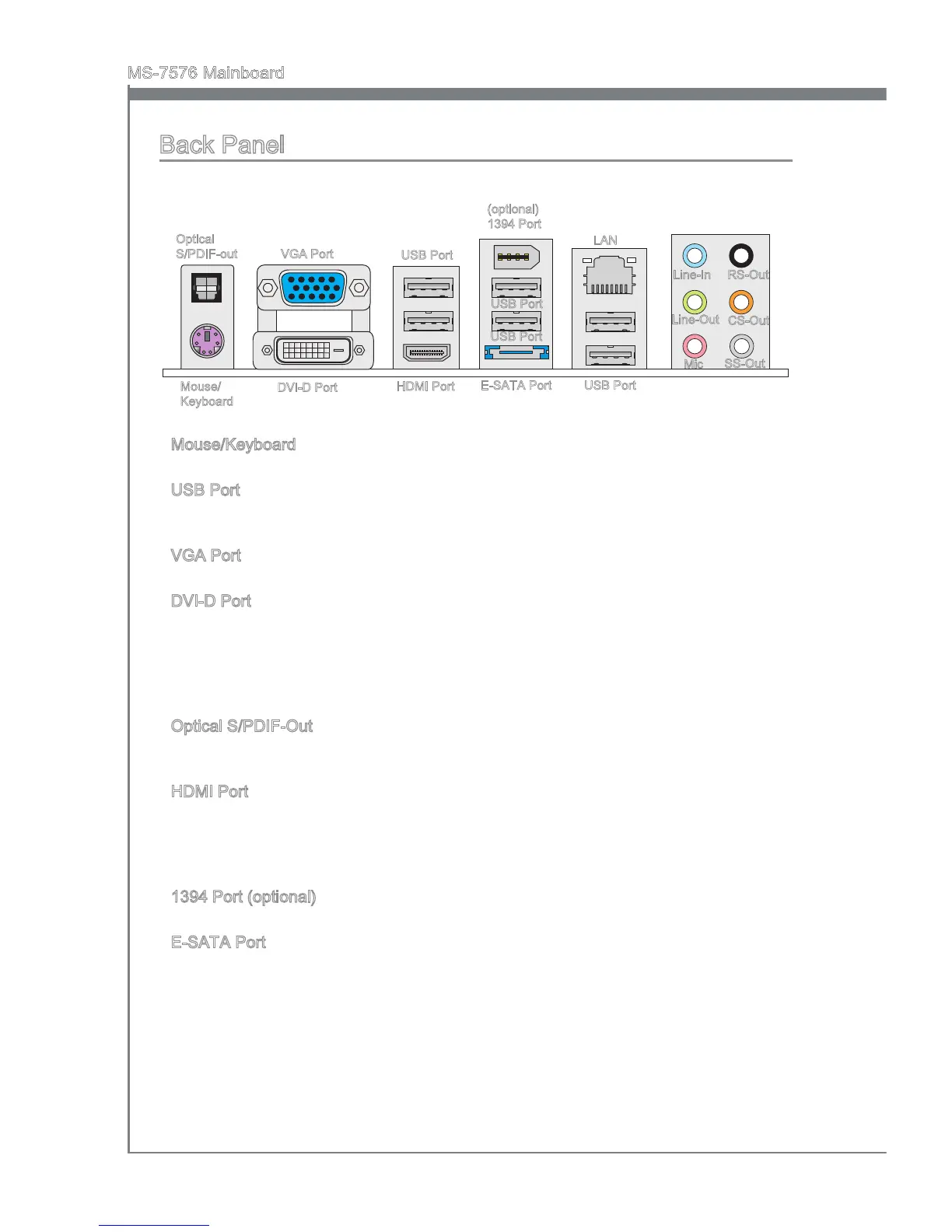
Mouse/Keyboard
The standard PS/2
®
mouse/keyboard DIN connector is for a PS/2
®
mouse/keyboard.
USB Port
The USB (Universal Serial Bus) port is for attaching USB devices such as keyboard,
mouse, or other USB-compatible devices.
VGA Port
The DB15-pin female connector is provided for monitor.
DVI-D Port
The DVI-D (Digital Visual Interface-Digital) connector allows you to connect a LCD
monitor. It provides a high-speed digital interconnection between the computer and
its display device. To connect an LCD monitor, simply plug your monitor cable into the
DVI-D connector, and make sure that the other end of the cable is properly connected
to your monitor (refer to your monitor manual for more information.)
Optical S/PDIF-Out
This SPDIF (Sony & Philips Digital Interconnect Format) connector is provided for digital
audio transmission to external speakers through an optical ber cable.
HDMI Port
The High-Denition Multimedia Interface (HDMI) is an all-digital audio/video interface
capable of transmitting uncompressed streams. HDMI supports all TV format, includ-
ing standard, enhanced, or high-denition video, plus multi-channel digital audio on a
single cable.
1394 Port (optional)
The IEEE1394 port on the back panel provides connection to IEEE1394 devices.
E-SATA Port
The E-SATA (External-SATA) port is for attaching the E-SATA hard drive.
▶
▶
▶
▶
▶
▶
▶
▶
Mouse/
Keyboard
Optical
S/PDIF-out
DVI-D Port
VGA Port
(optional)
1394 Port
USB Port
USB Port
LAN
Line-In
Line-Out
Mic
CS-Out
RS-Out
SS-Out
USB Port
E-SATA Port
USB Port
HDMI Port



 To Next Page