3-4
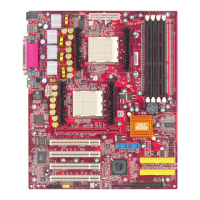
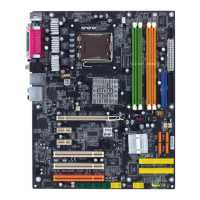
MS-7028 ATX Mainboard
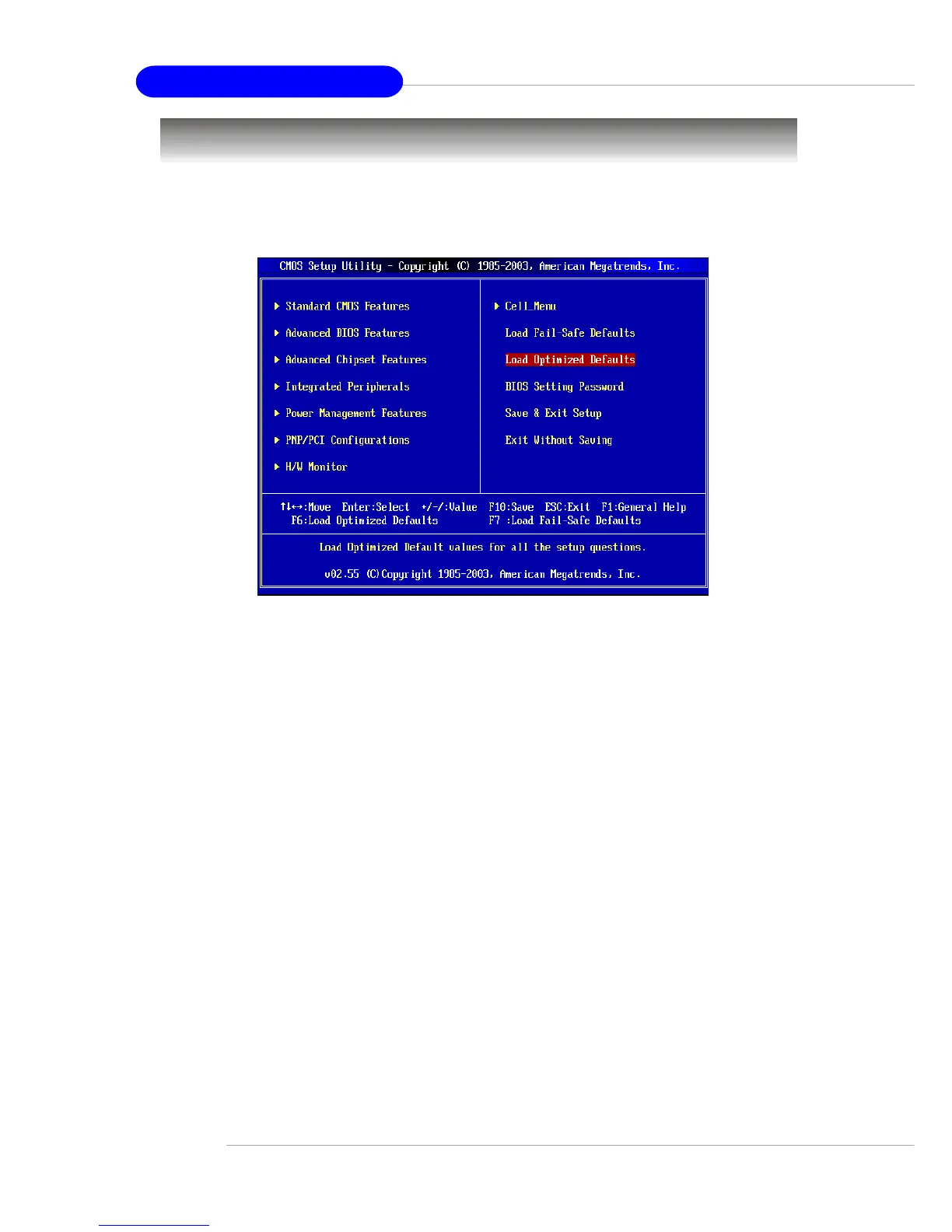
The Main Menu
Standard CMOS Features
Use this menu for basic system configurations, such as time, date etc.
Advanced BIOS Features
Use this menu to setup the items of AMI
®
special enhanced features.
Advanced Chipset Features
Use this menu to change the values in the chipset registers and optimize your system’s
performance.
Integrated Peripherals
Use this menu to specify your settings for integrated peripherals.
Power Management Features
Use this menu to specify your settings for power management.
PNP/PCI Configurations
This entry appears if your system supports PnP/PCI.
H/W/ Monitor
This entry shows the status of your CPU, fan, warning for overall system status.
Cell_Menu
Use this menu to specify your settings for frequency/voltage control.
Once you enter AMIBIOS NEW SETUP UTILITY, the Main Menu will appear on the
screen. Use arrow keys to move among the items and press <Enter> to enter the
sub-menu.


 To Next Page