Page 14 MSI-9300 Crane Scale™ • User Guide
MSI-9300 Porta-Weigh+ Crane Scale
To Setup Automatic Off
1
F
unc
2
a-
O
ff
3
OFF
4
0.16 hr
4
0.50 hr
4
1 hour
5
U
nit
6
to exit
6
to select other Main
Setup Menu items.
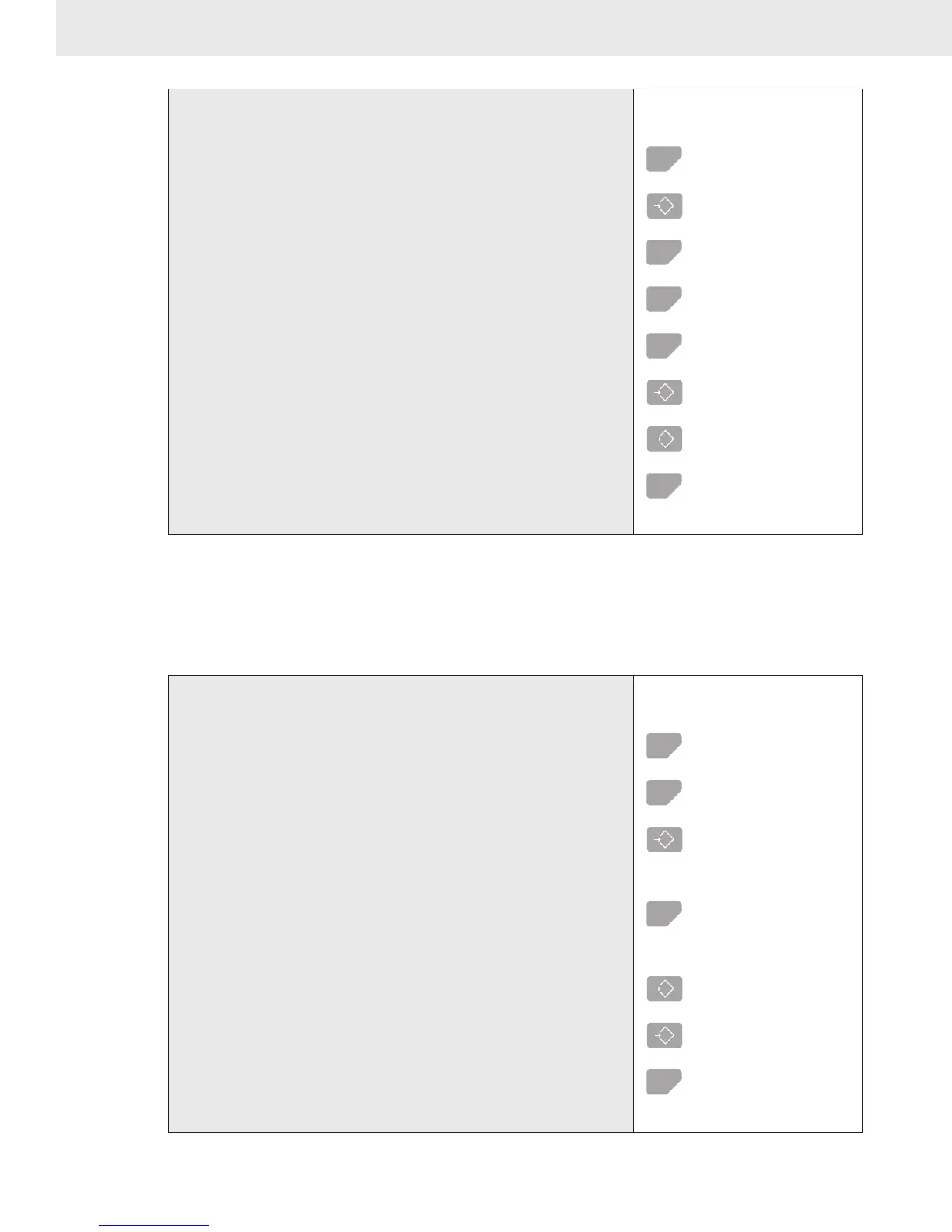
1) Start the Setup Mode using the procedure on page 12.
2) Use the TEST (Scroll) key to scroll to “A-OFF”.
3) With the display reading “A-OFF” press the TARE
(Select) key. The currently programmed Auto-Off setting
will display flashing.
The example assumes the Auto-Off function was OFF.
4) Use the TEST (Scroll) key to scroll through the choices.
In this example the Auto-Off function will be set to 1 hour.
5) When the desired choice is shown, Press TARE (Select)
to select it.
Pushing TARE (Select) places the displayed setting as the Auto-Off mode,
and exits back to the Main Setup Menu.
6) The next Main Menu item, “Unit” will appear. Either
select another Setup procedure with the TEST (Select)
key, or return to weighing mode by pushing ZERO
(Exit).
UNITS
The MSI-9300 will display and convert weight in pounds or kilograms. The TEST/USER key can be set to
switch between lb and kg if desired. If only 1 weight unit is needed, use this procedure to set the desired unit.
To Setup the Weight Unit
1
F
unc
2
a-
O
ff
2
U
nit
3
U
nit
lb
4
U
nit
kg
5
tota
L
6
to exit
6
to select other Main
Setup Menu items.
1) Start the Setup Mode using the procedure on page 12.
2) Use the TEST (Scroll) key to scroll to “Unit”.
3) With the display reading “Unit” press the TARE (Select)
key. The currently programmed Unit setting will display
flashing.
4) Use the TEST (Scroll) key to switch between kg and lb.
In this example the unit will be changed to kg.
5) When the desired choice is shown, Press TARE (Select)
to select it.
Pushing TARE (Select) sets the weight unit, and exits back to the Main Setup
Menu.
6) The next Main Menu item, “Total” will appear. Either
select another Setup procedure with the TEST (Select) key,
or return to weighing mode by pushing ZERO (Exit).



 To Next Page