En-20
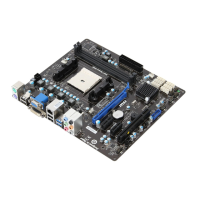
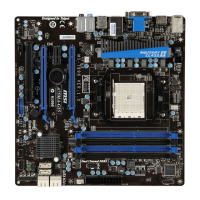
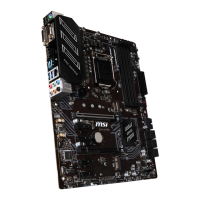
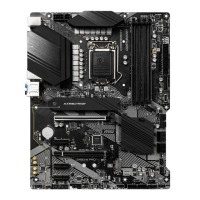
MS-7695 Manboard
Jumpers
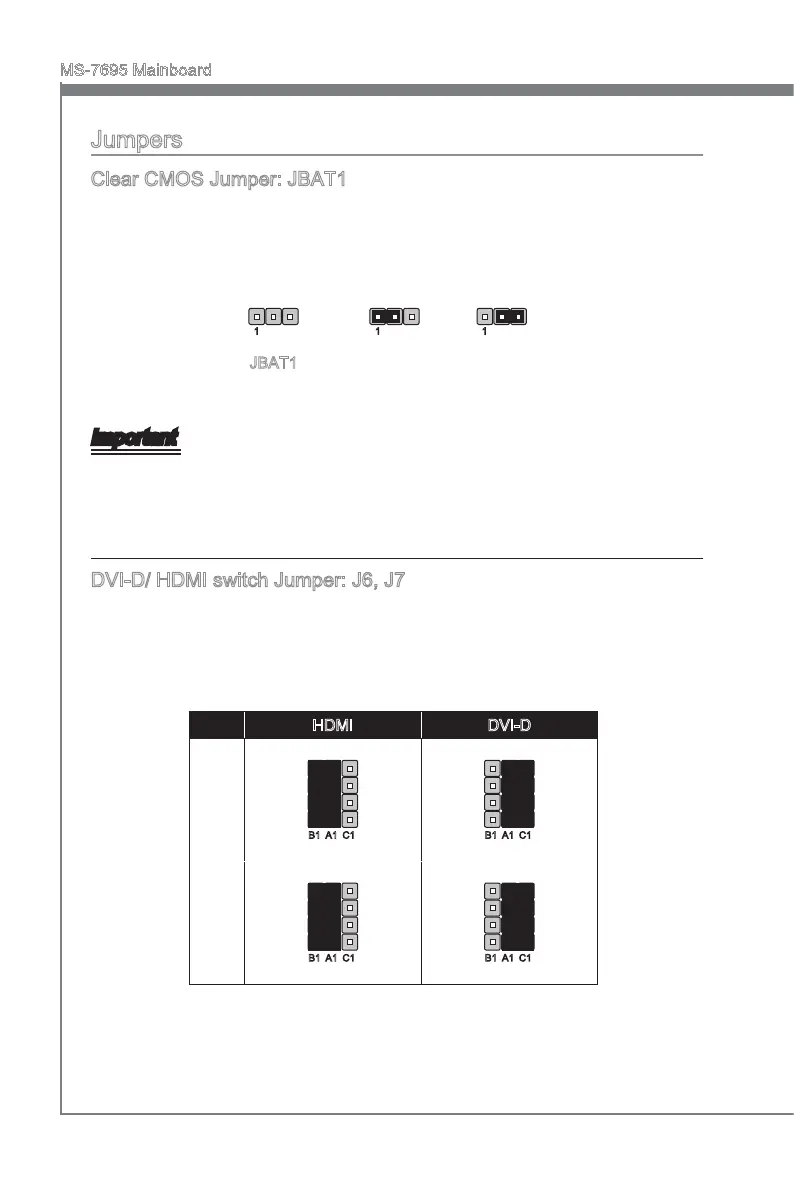
Clear CMOS Jumper: JBAT1
There s a CMOS RAM onboard that has a power supply from an external battery to keep
the data of system conguraton. Wth the CMOS RAM, the system can automatcally
boot OS every tme t s turned on. If you want to clear the system conguraton, set the
jumper to clear data.
JBAT1 Keep Data Clear Data
1 11
Important
You can clear CMOS by shortng 2-3 pn whle the system s o. Then return to 1-
2 pn poston. Avod clearng the CMOS whle the system s on; t wll damage the
manboard.
DVI-D/ HDMI swtch Jumper: J6, J7
Ths manboard provdes one DVI-D port and one HDMI port, only one of them can be
used for connectng to the montor at a tme. You can set these jumpers to select the
output port.
HDMI DVI-D
J6
B1 A1 C1 B1 A1 C1
J7
B1 A1 C1 B1 A1 C1


 To Next Page
 Loading...