better
2. Pliers: This can be used as an auxiliary tool to pull out the power connectors or remove the brackets
3. Rubber gloves: This can prevent you from boing incised and suffering the static charge.
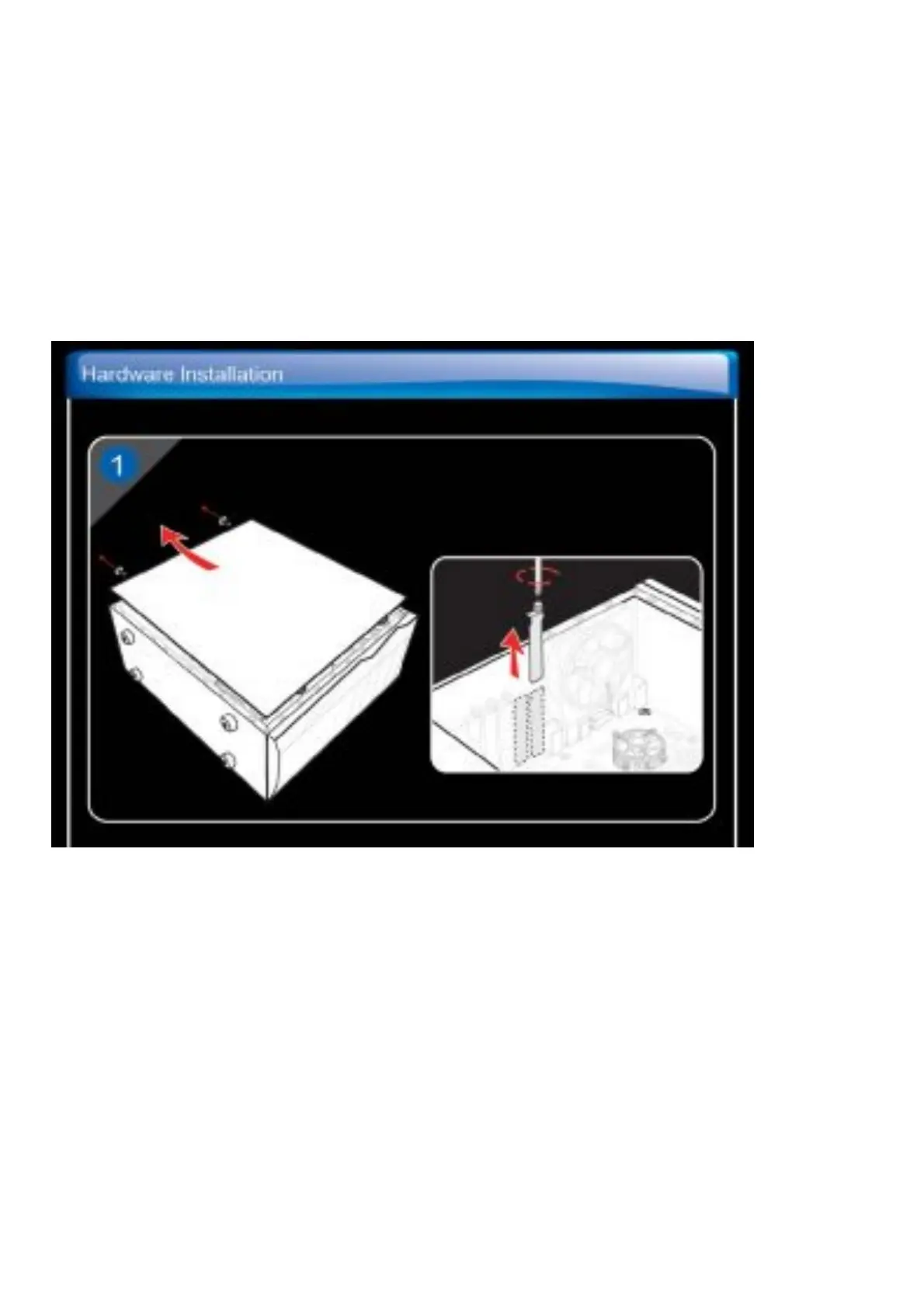
Hardware Installation
1. Turn off the power and remove the case of your computer. Remove the bracket which may obstruct your
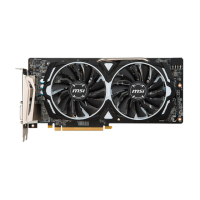
Graphics card.
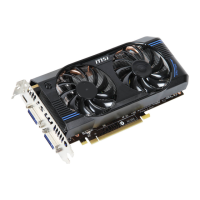
2. Put the card directly over the PCI EXPRESS slot and press one end of the card into the slat first. Gently but
firmly press the other end until it is fully seated in the slot. Secure the card with a bracket screw.
3. Connect to 6/8-pin power connectors (if any).
4. Replace the case and connect the output and the monitor with the display cable.



 To Next Page