2-14 2-15
Introductions
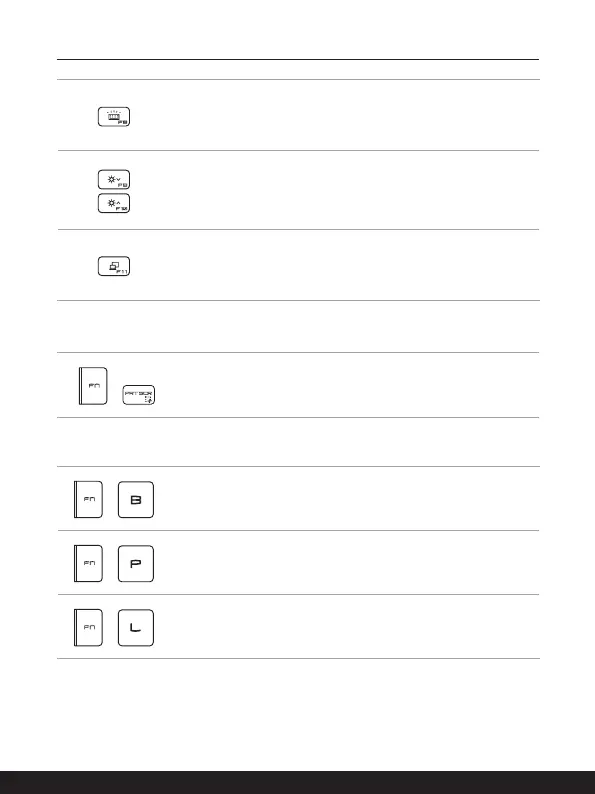
Keyboard Backlight LED Settings
Press repeatedly to select a backlight LED level according to
your preference.
LCD Settings
• F9: Decrease the LCD brightness.
• F10: Increase the LCD brightness.
Switch Display
Switch the display output mode between the LCD, external
monitor and both.
Snip and Sketch
+
Launch Snip & Sketch application.
Functions of FN Combination keys
+
Break key
Works as Break key by using both keys.
+
Pause key
Works as Pause key by using both keys.
+
Scroll Lock key
Works as Scroll Lock key by using both keys.



 To Next Page