Introductions
2-6
+
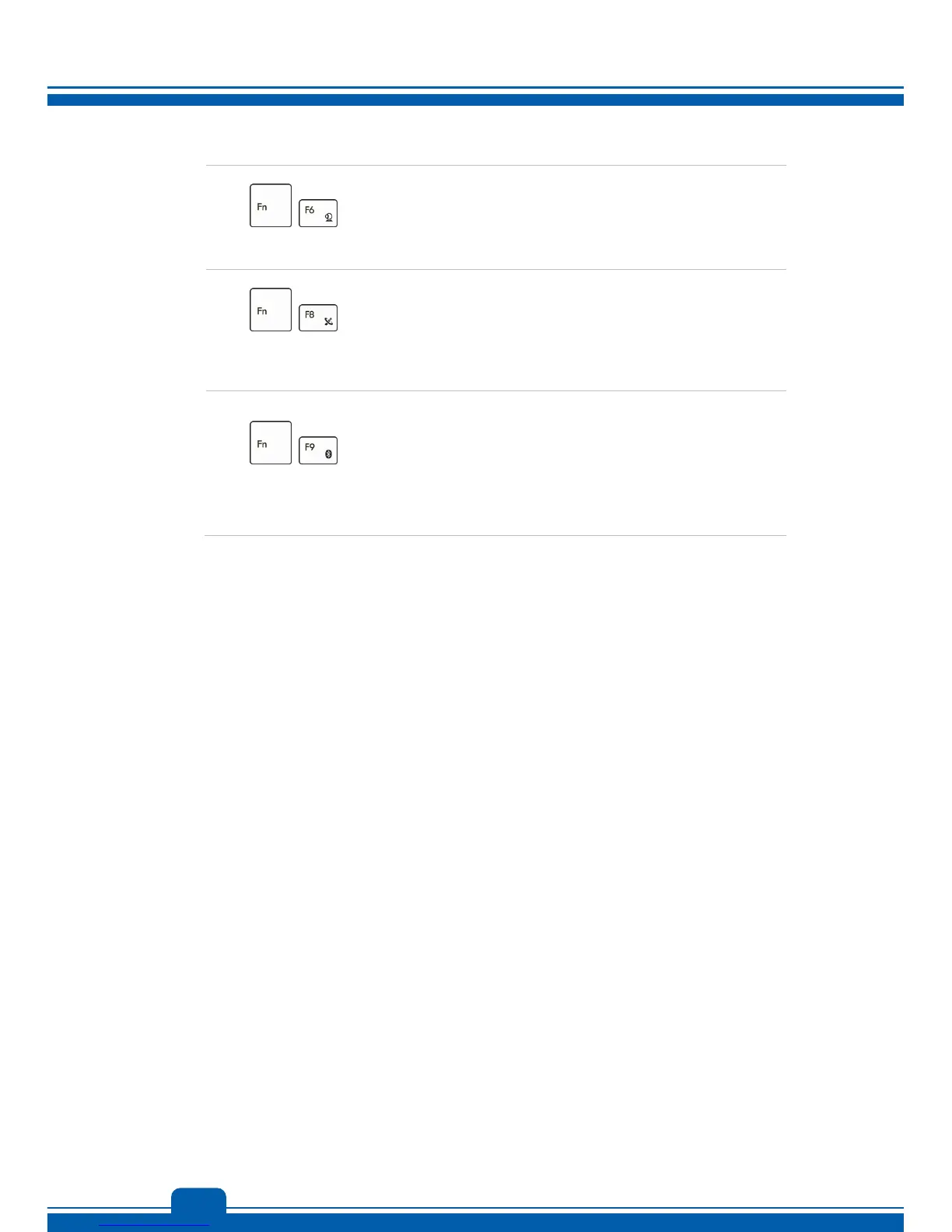
Webcam
Press and hold the Fn button, and then press the F6
button to turn the Webcam function on. Press again
to turn it off.
+
WLAN
(WiFi)
Press and hold the Fn button, and then press the F8
button repeatedly to turn the Wireless LAN (WiFi)
function on or off recurrently.
+
Bluetooth
(Optional)
Press and hold the Fn button, and then press the F9
button to turn the Bluetooth function on. Press again
to turn it off.
This function button will not be available when the
Bluetooth function is not supported.



 To Next Page