Introductions
2-8
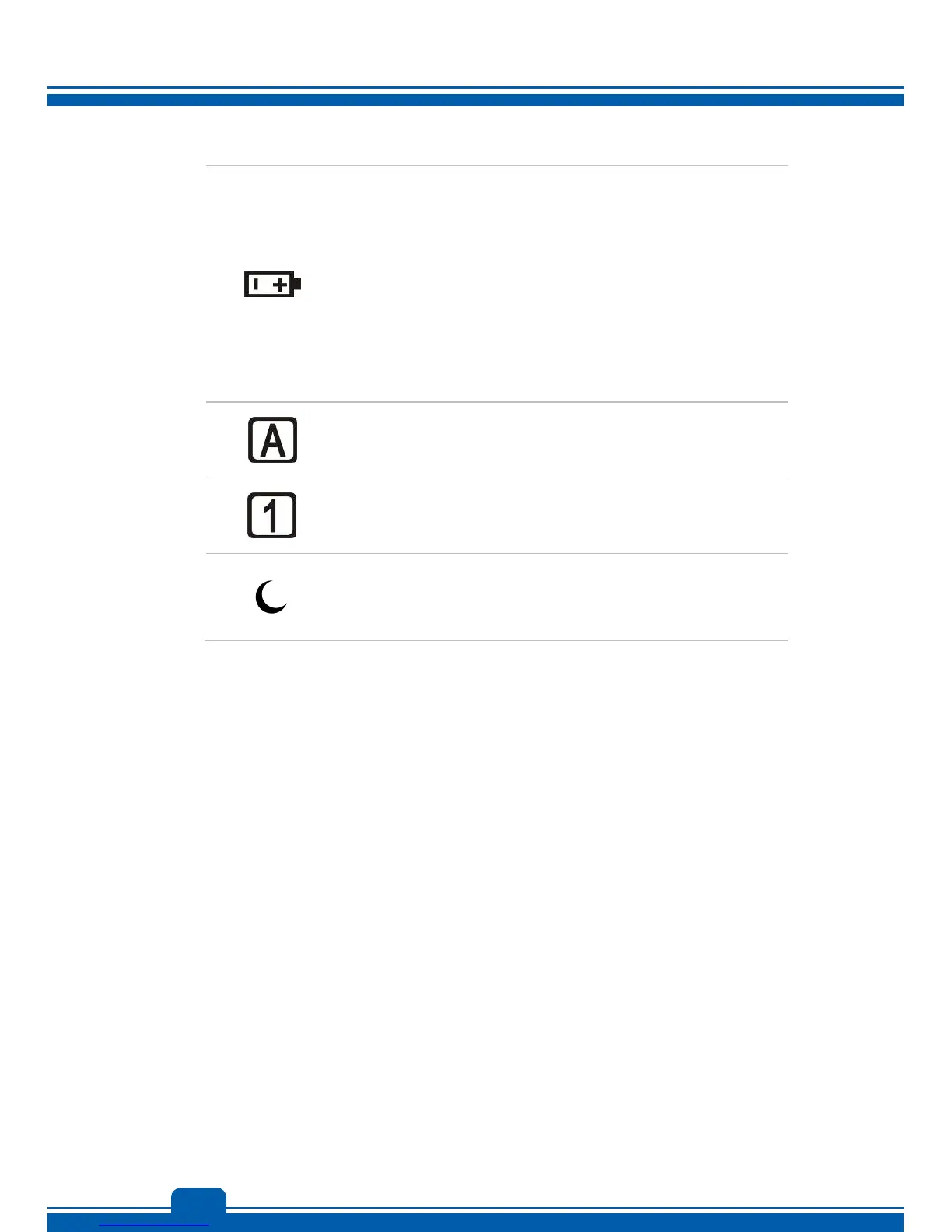
Battery Status
Glowing blue when the battery is being charged.
Glowing amber when the battery is in low battery status.
Blinking amber if the battery fails and it is recommended to
replace a new battery. Consult the local dealer for purchasing
an equivalent type of battery recommended by the
manufacturer.
Battery LED goes out when it is fully charged or when the
AC/DC adapter is disconnected.
Caps Lock: Glowing blue when the Caps Lock function is
activated.
Num Lock: Glowing blue when the Num Lock function is activated.
Sleep State
Blinking blue when the system is in Sleep state.
LED goes out when the system is turned off.
2. Ventilator
The ventilator is designed to cool the system. DO NOT block the ventilator for air
circulation.



 To Next Page