User's Manual
2-4 2-5
SSE
(optional)
•
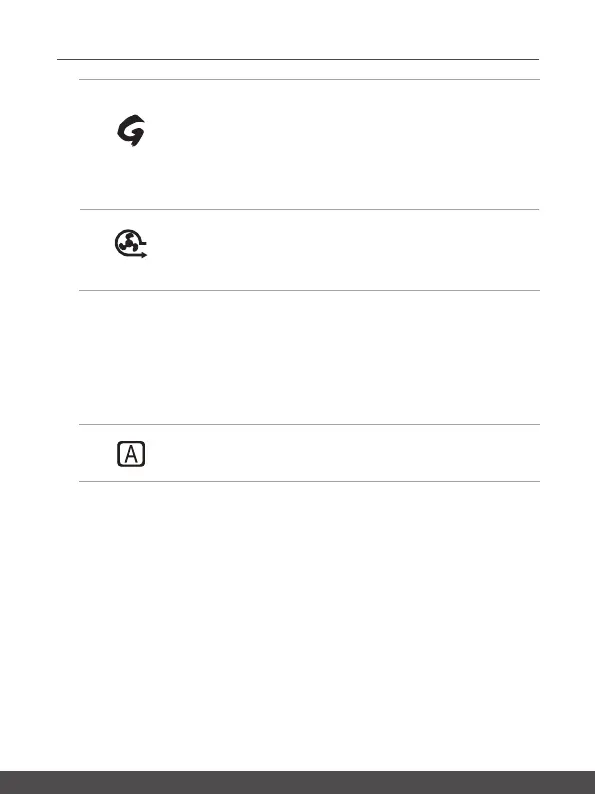
Thisnotebookmaybepre-installedauniquekeyboard
managerapplication,SSE(SteelSeriesEngine).Withthis
application,userswillbeabletoownseveralcombinations
ofkeyboardhotkeysdefinedseparatelyforspecific
occasions.
•
Usethisbuttonrepeatedlytoswitchbetweenkeyboard
configurations.
Cooler Boo
• Usethisbuttontomaximizethefanspeedtocooldownthe
overalltemperatureofthenotebook.
• ButtonLEDglowswhenthefanspeedissettomaximum
level;LEDgoesoffwhenAUTOmodeisselected.
4. Keyboard
Thebuilt-inkeyboardprovidesallthefunctionsofanotebookkeyboard.RefertoHow
to Use the Keyboard
fordetails.
5. Touchpad
Thisisthepointingdeviceofthenotebook.
6. Status LED
Caps Lock
GlowswhentheCapsLockfunctionisactivated.



 To Next Page