7
6
DisplayPort
Supports 2560x1440@180Hz as specified in DisplayPort 1.4a.
7
HDMI™ Connector
Supports HDMI™ CEC, 2560x1440@144Hz as specified in HDMI™ 2.0b.
⚠
Important
To ensure optimal performance and compatibility, please use only HDMI™
cables certified with the official HDMI™ logo when connecting this monitor.
For more information, please visit https://www.hdmi.org/resource/cables.
8
HDMI™ Connector
Supports 2560x1440@144Hz as specified in HDMI™ 2.0b.
⚠
Important
To ensure optimal performance and compatibility, please use only HDMI™
cables certified with the official HDMI™ logo when connecting this monitor.
For more information, please visit https://www.hdmi.org/resource/cables.
9
USB Type-C Port
This port supports DisplayPort Alternate (DP
Alt) Mode and up to 20V/3.25A (65W) power
delivery. It only carries video signals and
doesn’t support data transmission function.
⚠
Important
Your USB-C signal source and cable must
support DisplayPort Alternate Mode to
enable video output to the monitor.
USB Type-C
Power Delivery
5V / 3A (15W)
9V / 3A (27W)
12V / 3A (36W)
15V / 3A (45W)
20V / 3.25A (65W)
10
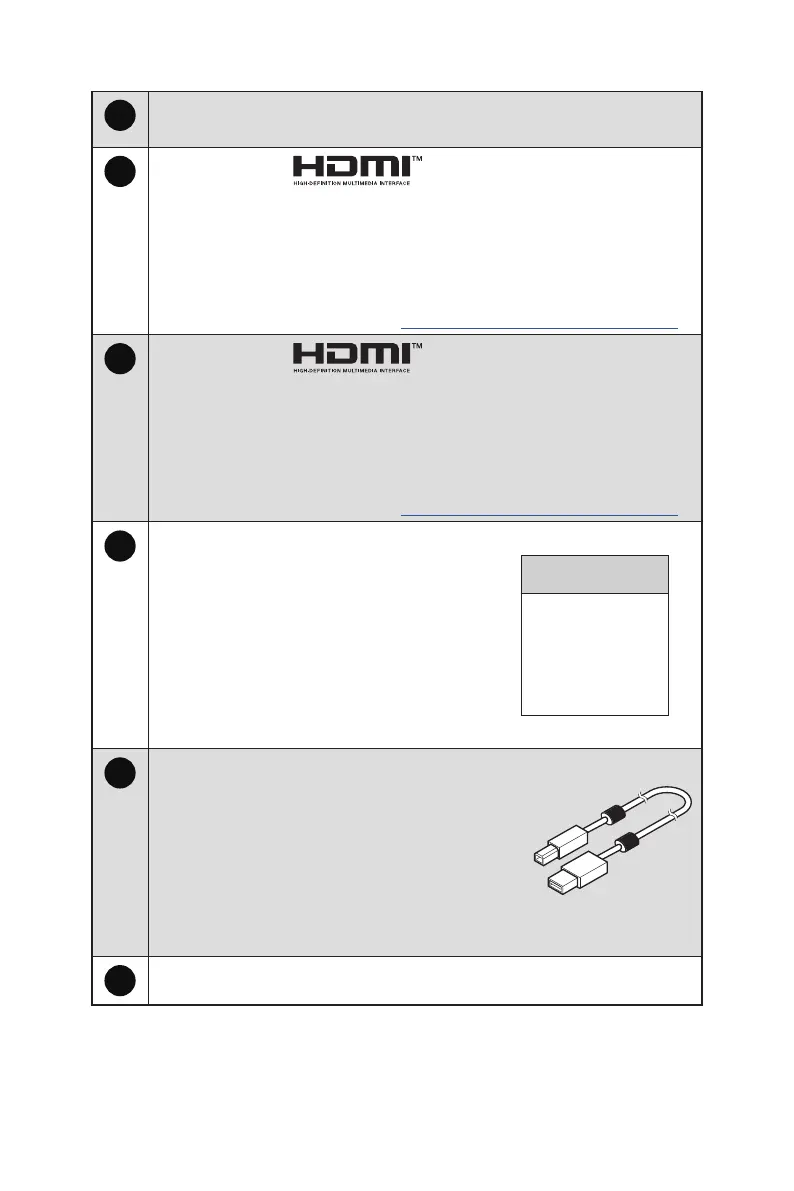
USB 2.0 Type-B Upstream Port
For USB Upstream Cable.
⚠
Important
Check the package for USB Upstream Cable
and connect it to the PC and monitor. Once
this cable is connected, the USB Type-A
Downstream Ports on the monitor will be
ready for use.
To PC
To Monitor
11
USB 2.0 Type-A Port



 To Next Page