
 Need help?
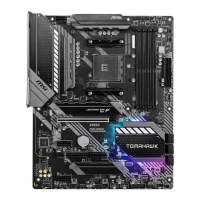
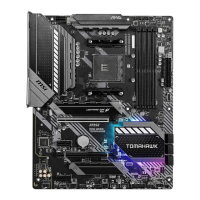
Do you have a question about the MSI MAG B550 TOMAHAWK MAX WIFI and is the answer not in the manual?
 General
| Brand | MSI |
|---|---|
| Model | MAG B550 TOMAHAWK MAX WIFI |
| Category | Motherboard |
| Language | English |
Step-by-step guide for installing the CPU onto the motherboard, including diagrams.
Instructions for installing DDR5 memory modules into the DIMM slots.
Diagram and pinout for connecting front panel switches and LEDs.
Essential safety guidelines for handling components, preventing ESD, and general usage.
Details processor support, chipset features, and DDR4 memory specifications.
Lists PCIe slots, SATA connectors, M.2 slots, and USB port configurations.
Describes audio codec, LAN controller, and wireless connectivity specifications.
Lists all items included in the motherboard package.
Diagram of the motherboard's rear I/O panel, identifying all ports and connectors.
Explains the function and connection of audio jacks for different speaker setups.
Instructions on how to properly screw and orient the Wi-Fi antennas.
Guides for installing the operating system and necessary drivers.
Information on using MSI Center for system optimization and control.
Explains UEFI benefits and how to verify the BIOS mode.
Instructions on accessing the BIOS setup and navigating its options.
Methods for resetting BIOS settings and updating the BIOS firmware.
Details compliance with FCC (USA) and CE (Europe) regulations.
Information on battery disposal, chemical substances, and environmental policies.
Explains WEEE directives and RoHS compliance for electronic waste and hazardous substances.
Provides information on obtaining technical support and the document's revision history.
 To Next Page