40
Onboard LEDs
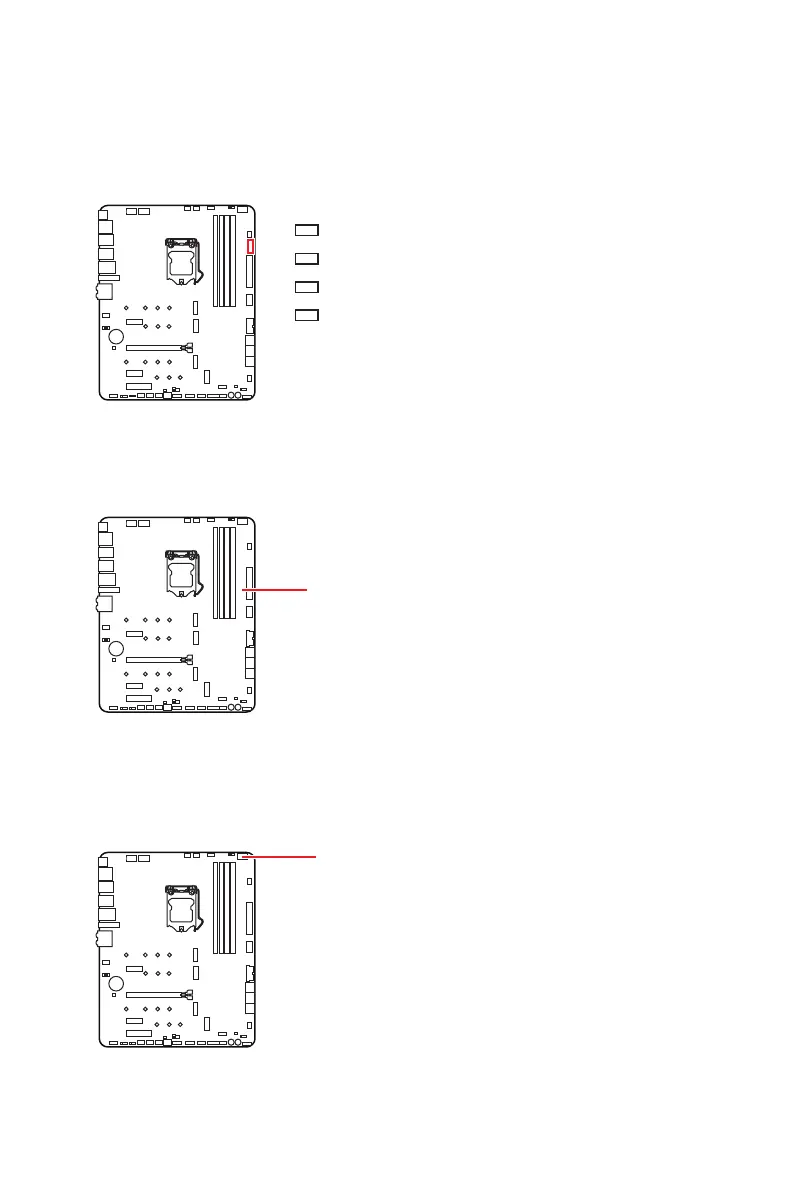
EZ Debug LED
These LEDs indicate the debug status of the motherboard.
CPU - indicates CPU is not detected or fail.
DRAM - indicates DRAM is not detected or fail.
VGA - indicates GPU is not detected or fail.
BOOT - indicates the booting device is not detected
or fail.
Onboard LEDs
XMP LED
XMP LED
This LED indicates the XMP (Extreme Memory Profile) mode is enabled.
Debug Code LED
Debug Code LED
The Debug Code LED displays CPU core temperature (default), progress and error
codes during and after POST. Refer to the Debug Code LED table for details.


 To Next Page
 Loading...