MEGA ePower 1000HD
7
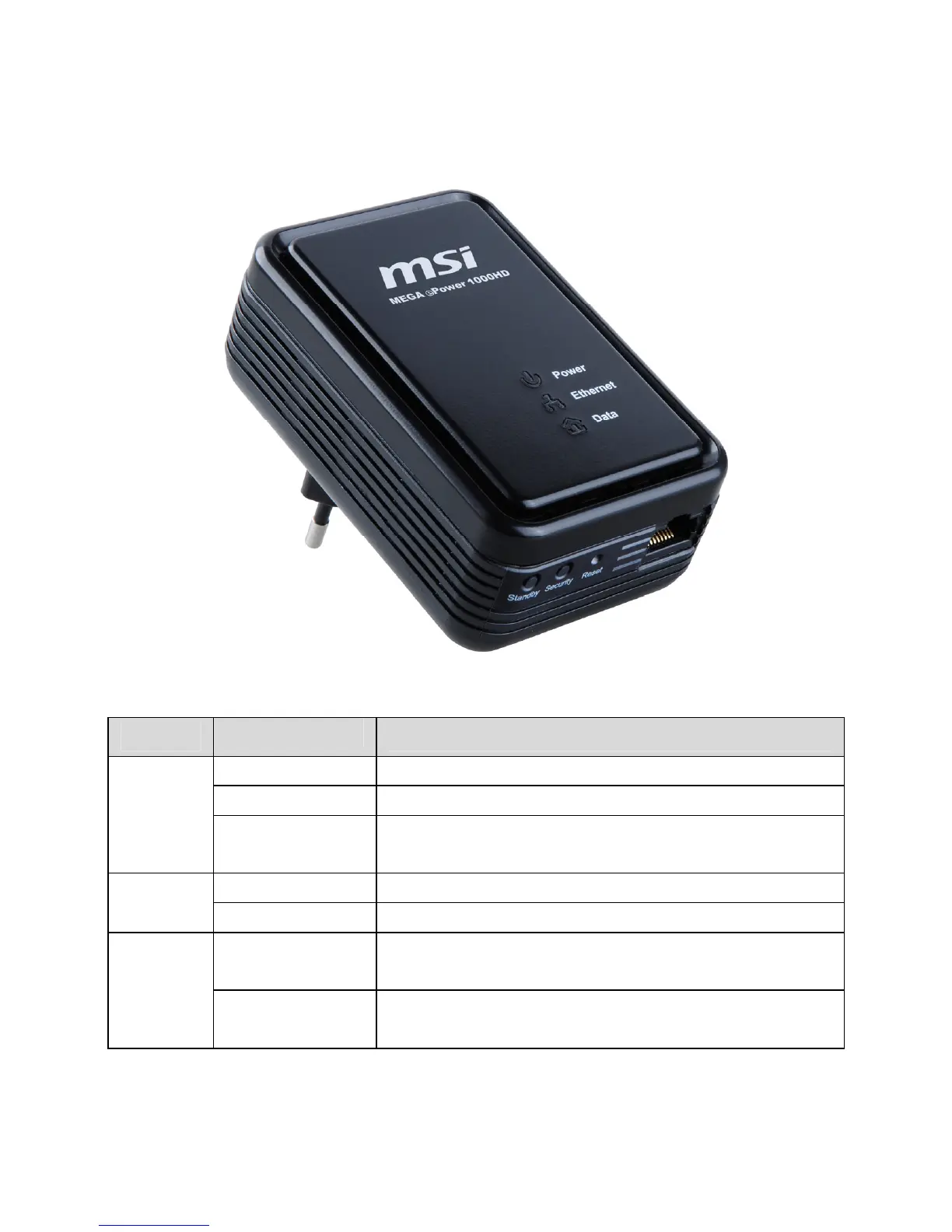
Figure 5 LED indicators
Table 3 LED indicator status
Indicator
Status
Description
Green The device is powered on.
Red The device is in the standby mode.
Power
Blinks in green
The Security button is pressed and the devices are
exchanging network passwords (NPW).
Green Ethernet connection is established.
Ethernet
Off Ethernet connection is not established.
Green
The device can communicate at the rate of
HomePlugAV (HPAV) connection.
Data
Yellow
The device can communicate at the rate of
Mediaxtream (MX) connection.



 To Next Page