MEGA ePower 1000HD
19
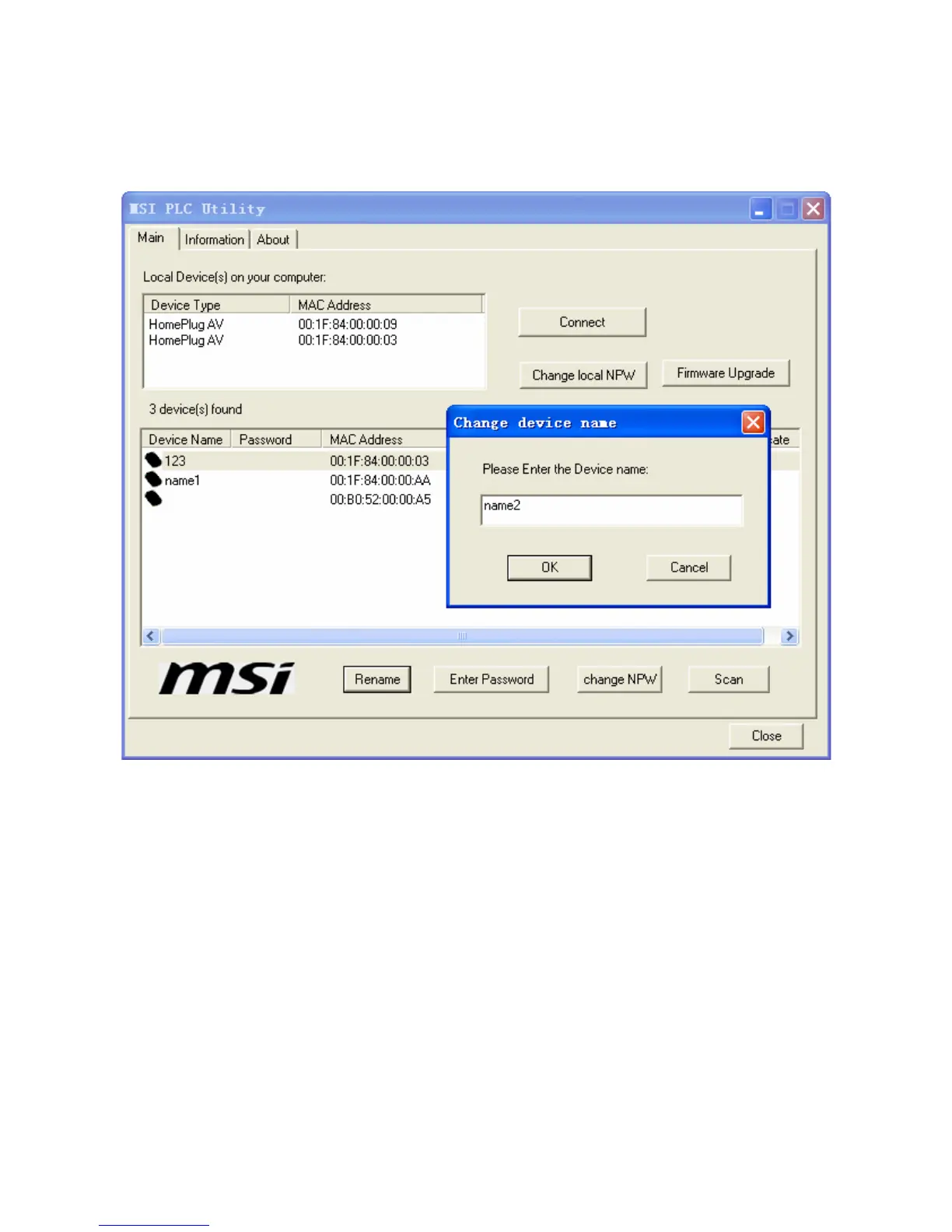
Figure 19 Modifying device name
Enter Password: If the remote device is not successfully authenticated, that
is, if fail is displayed in the Authenticate field in 1.1.1.1 1.1)a.Figure 17,
click the button and enter the device password again in the window that is
displayed to authenticate. Two passwords can be used for authentication:
one is printed on the label of the Powerline device, with four digits a group;
the other is the default password This is our Device Password given to
the peer STA. If the authentication with the default password fails, use the
password on the device label to try again. In 1.1.1.1 1.1)a.Figure 17,
remote device (MAC:00:B0:52:00:00:A5) fails in the initial authentication.
Click Enter Password to enter the password and try authentication again. If



 To Next Page