MEGA ePower 1000HD
21
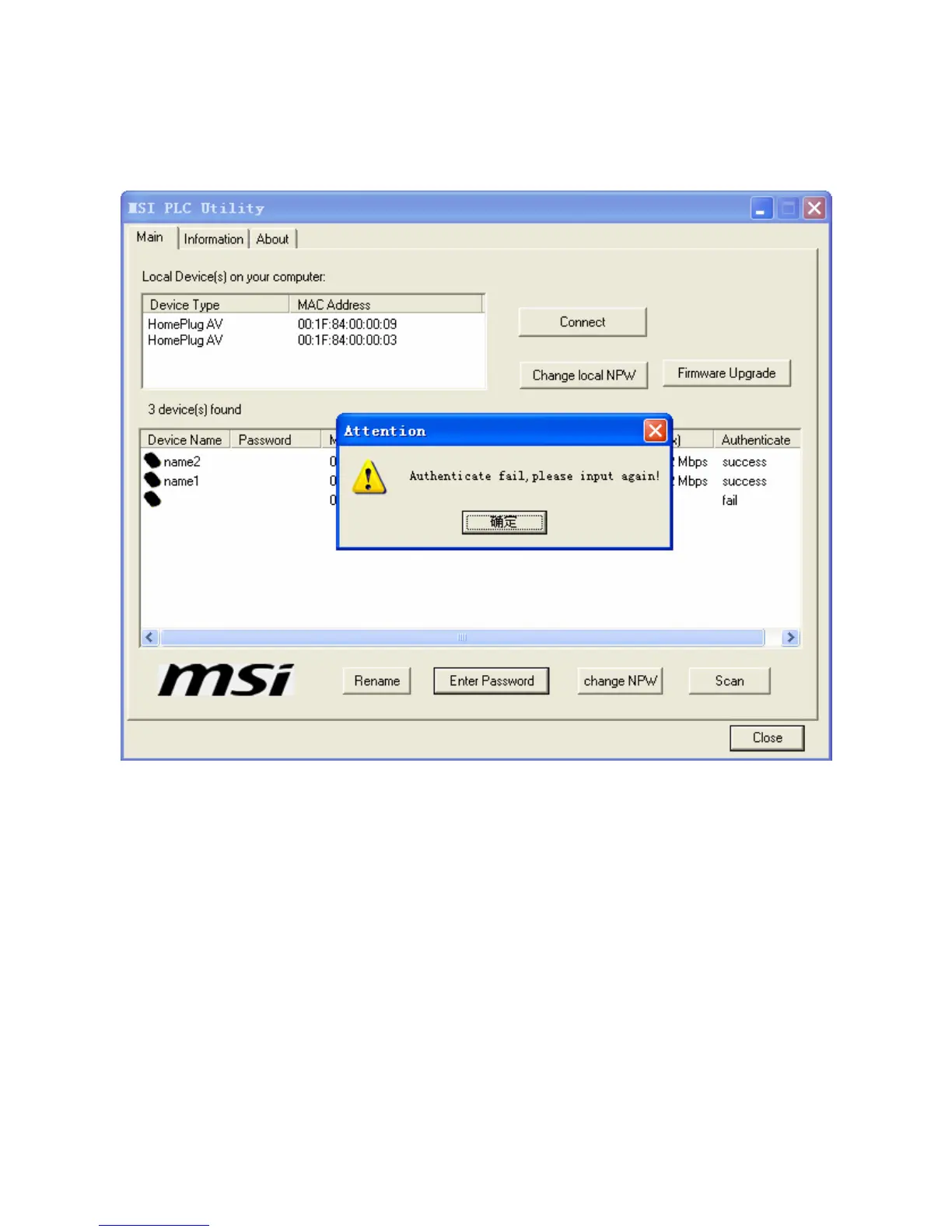
Figure 21 Entering the device password for authentication
Change NPW: You can click the button and change the network password
(NPW) of the device in the window that is displayed. That is, this button can
be used to remove devices from the existing network and form a new private
network.
All devices have a default NPW, which is usually HomePlugAV, during
production in the factory. That is, all devices are in the same network. If the
NPW is changed for one device, the device is not in the network any more,
and its information is not displayed in the lower area of the window as shown
in 1.1.1.1 1.1)a.Figure 17. For example, in the following figure, change the
NPW of remote device named name1 to 12345678.



 To Next Page