MEGA ePower 1000HD
23
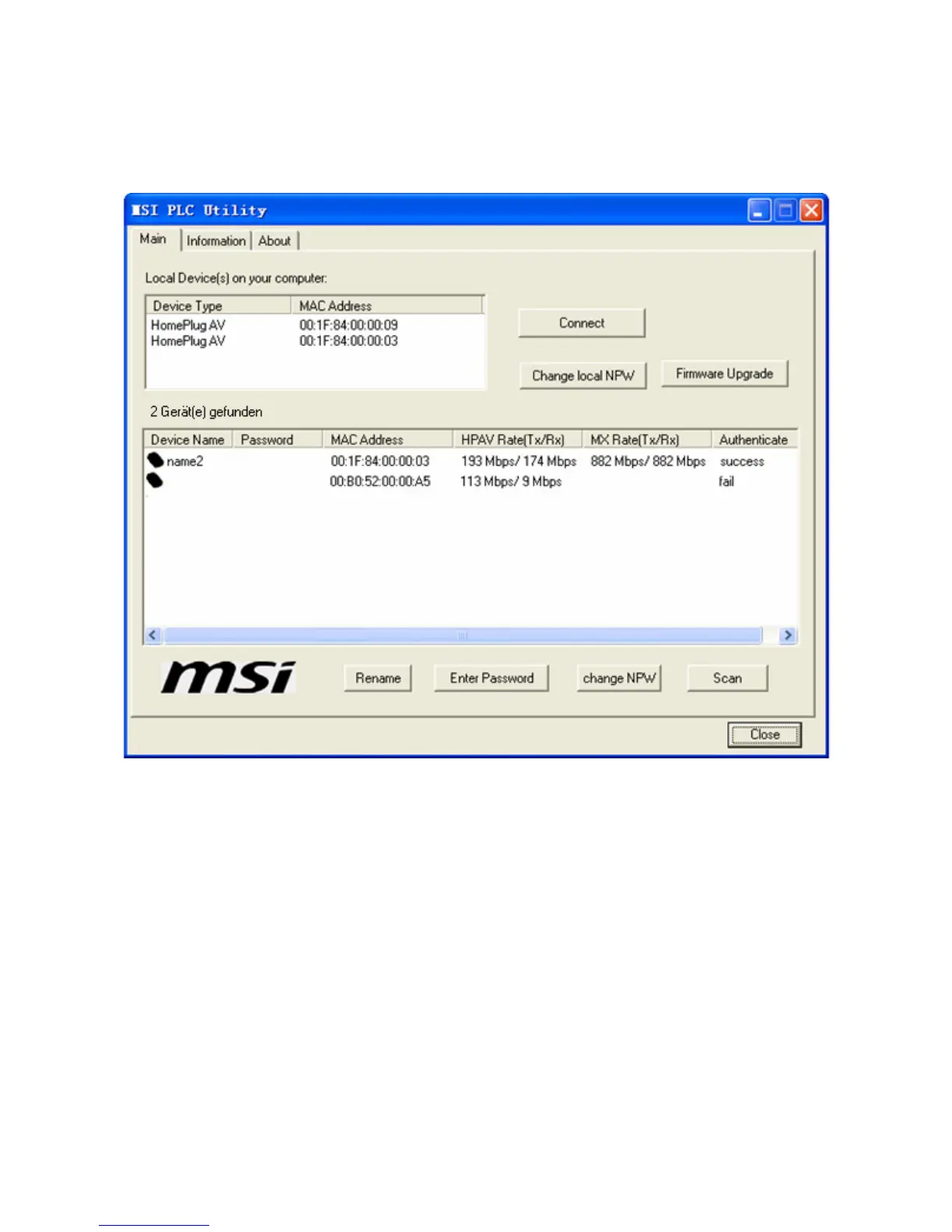
Figure 23 NPD changed successfully
Because the device now has a different NPW from the NPW of any device in
the existing Powerline network, the device is removed from the network and
is not displayed in the area of remote device information as shown in 1.1.1.1
1.1)a.Figure 23.
Change Local NPW: You can click the button to change the NPW of the
local device, in order to add a device to the existing network. If the NPW of
the local device is changed, the remote device information in the lower area
of the window as shown in 1.1.1.1 1.1)a.Figure 17 is not displayed
because the remote devices have different NPW from the local device. Only
devices that have the same NPW as the local device is displayed in the area
of remote device information as shown in 1.1.1.1 1.1)a.Figure 17.



 To Next Page