MEGA ePower 1000HD
25
Figure 25 NPW of the local device successfully changed
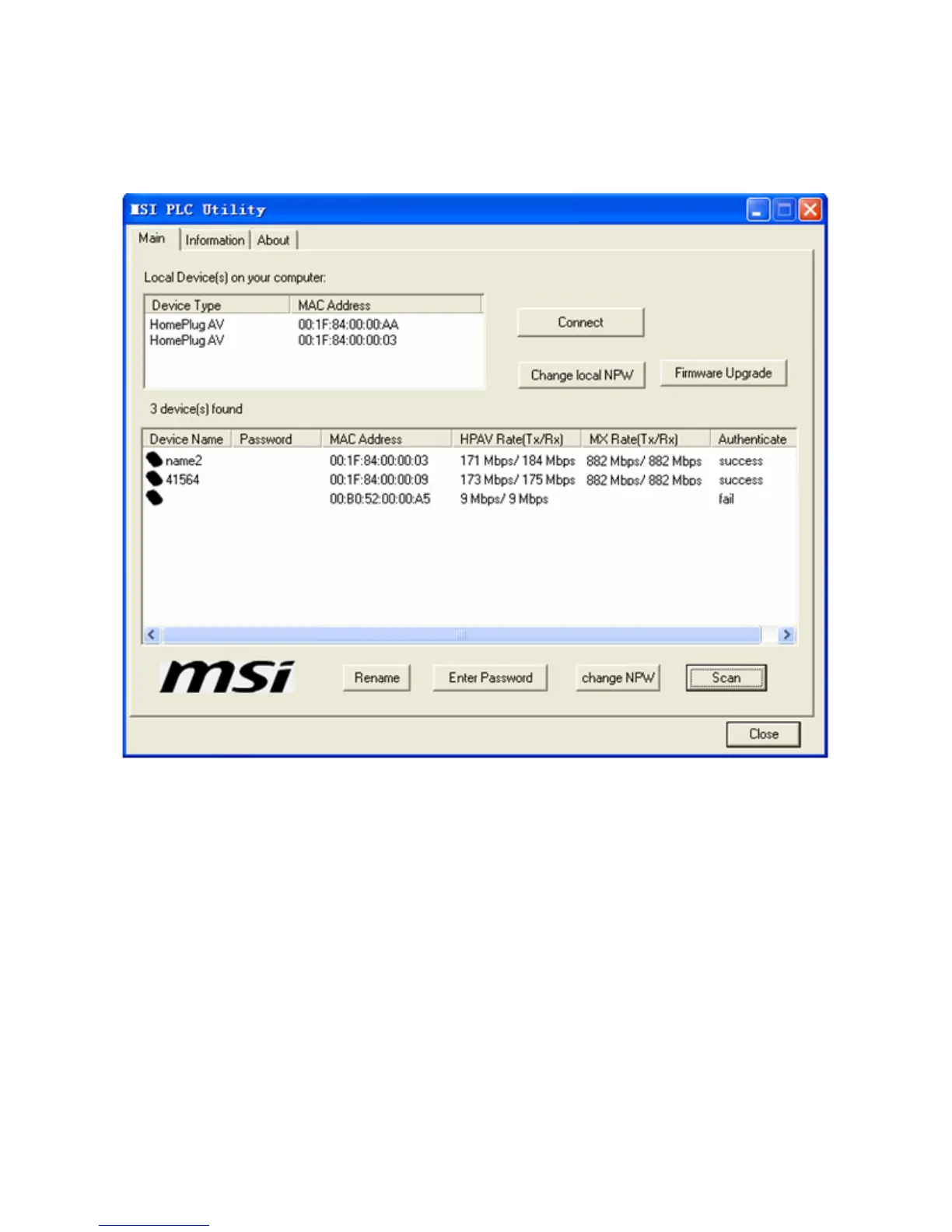
Scan: It is used to detect all devices in the network. By default, the
Powerline Utility automatically scans every other minute to update the
device information.
Upgrade Firmware: You can click the button to update the firmware of the
device. Note that the device must be authenticated before updating. You can
click Browse and select the bin_upgrade, fw_upgrade, paramconfig files
to update the firmware.



 To Next Page