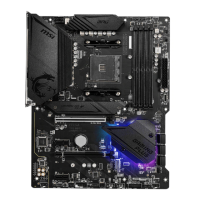
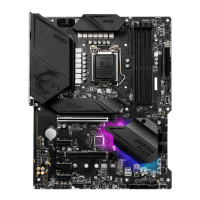
16
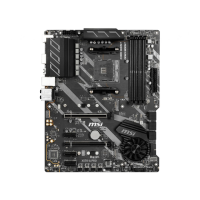
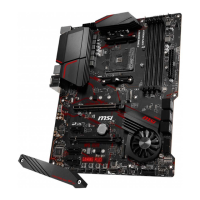
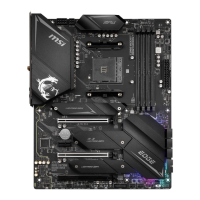
M2_1
M2_2
The following table describes the relationship between the
M.2 slots and the PCIe bandwidth of the processors.
Slots
3rd Gen AMD
Ryzen™
2nd Gen AMD
Ryzen™
Radeon™ Vega
Graphics and 2nd Gen
Radeon™ Graphics
M2_1
(CPU)
PCIe 4.0 x4 PCIe 3.0 x4 PCIe 3.0 x4
M2_2
(PCH)
PCIe 3.0 x4 PCIe 3.0 x4 PCIe 3.0 x4
1. Loosen and remove the screw from the motherboard mounting stand.
2. Choose a heatsink standoff (6#23 or M3) provided with motherbaord package by
your need and secure it to the motherboard mounting stand.
3. For 2242/ 2260 M.2 SSD, please move and fasten the M.2 standoff to the
appropriate position to your M.2 SSD.
For 2280 M.2 SSD, please skip this step.
For 22110 M.2 SSD, please remove the M.2 standoff.
4.
5. Secure the M.2 SSD in place with the 8.5H M.2 screw provided with motherboard
package. This step is for 2242/ 2260/ 2280 M.2 SSD only.
1
30º30º
3
2
5
8.5H M.2 screw
6#23 or M3 heatsink standoff
M.2 standoff
heatsink standoff
4


 To Next Page
 Loading...