EasyManua.ls Logo

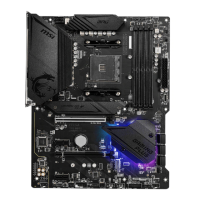
MSI MPG X570 GAMING PLUS - JBAT1: Clear CMOS (Reset BIOS) Jumper; EZ Debug LED

MSI MPG X570 GAMING PLUS
327 pages
Print Icon
To Next Page IconTo Next Page
To Previous Page IconTo Previous Page
Loading...
24


There is CMOS memory onboard that is external powered from a battery located on
the motherboard to save system configuration data. If you want to clear the system
configuration, set the jumper to clear the CMOS memory.
Keep Data
(default)
Clear CMOS/
Reset BIOS

1. Power off the computer and unplug the power cord
2. 
3. Remove the jumper cap from JBAT1.
4. Plug the power cord and power on the computer.
EZ Debug LED
These LEDs indicate the debug status of the motherboard.

DRAM
VGA

or fail.

Table of Contents

Other manuals for MSI MPG X570 GAMING PLUS

Related product manuals