CHAPTER 2 HARDWARE INSTALLATION
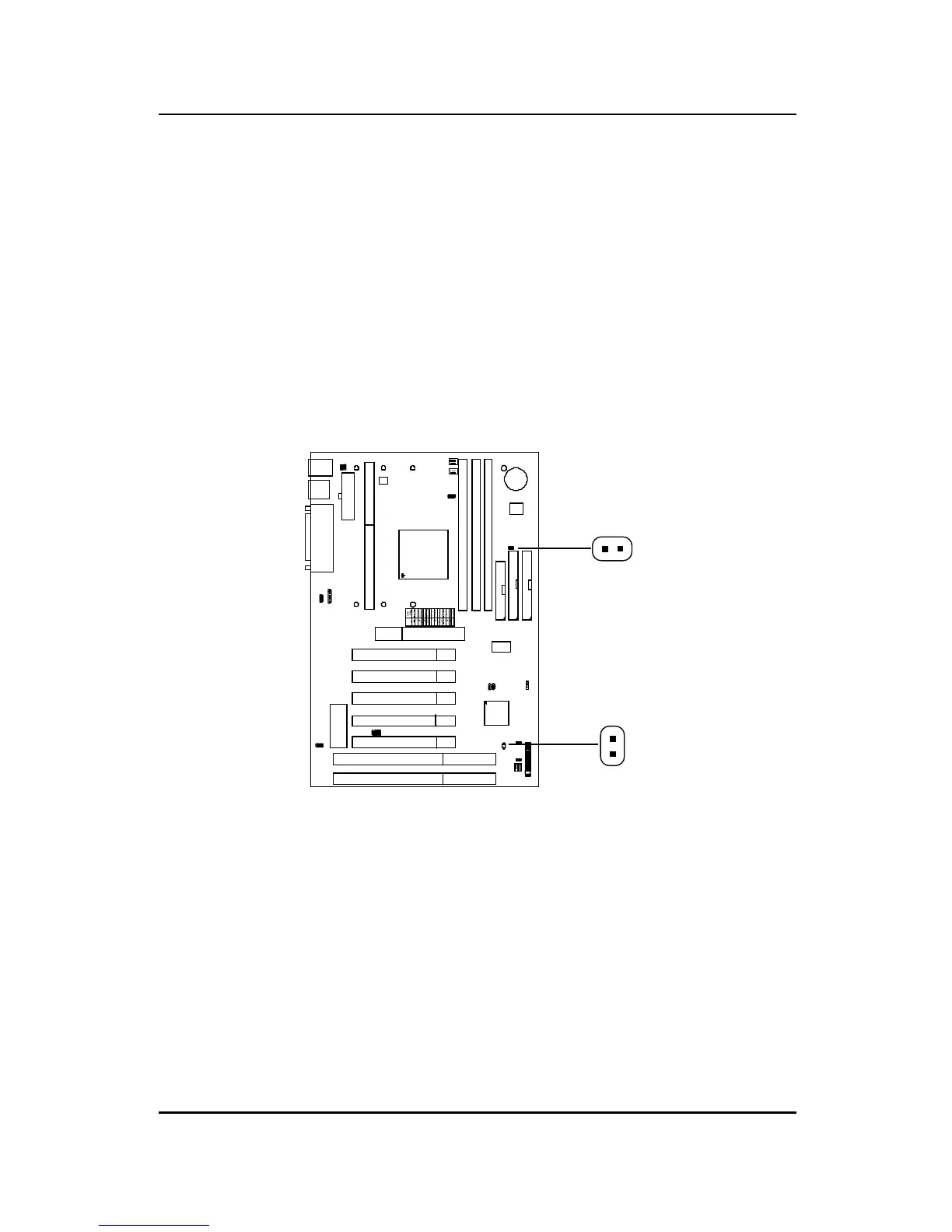
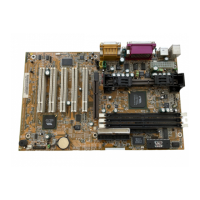
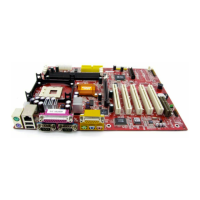
2.8-2 Remote Power On/Off Switches: JSW1/JSW2
Connect to a 2-pin push button switch. During OFF state, press once and
the system turns on. During ON stage, push once and the system goes to
sleep mode: pushing it more than 4 seconds will change its status from ON
to OFF. If you want to change the setup, you could go to the BIOS Power
Management Setup. This is only used for ATX type power supply.
2-28
JSW2
JSW1
Note: The two switches are provided by the mainboard for your
convenience, so you can use any of them. The two switches have
the same feature.


 To Next Page