En-22
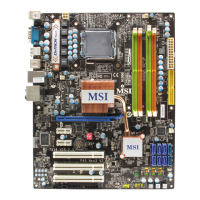
MS-7514 Mainboard
Switch
Hardware Overclock FSB Switch: OC_SW1
You can overclock the FSB to increase the processor frequency by changing the
switch OC_SW1. Follow the instructions below to set the FSB.
ON
123
ON
123
ON
123
ON
123
ON
123
Default
200->266 MHz 200->333 MHz 200->400 MHz
266->400 MHz
333->400 MHz
266->333 MHz
Important
1. Make sure that you power off the system before changing the switch.
2. Overclocking may cause instability or crash during boot, and then please
set the switch to default setting.


 To Next Page
 Loading...