En-28
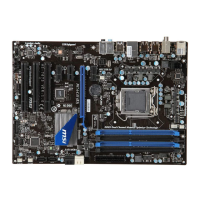
MS-7673 Manboard
When enter the BIOS Setup utlty, follow the processes below for general use.
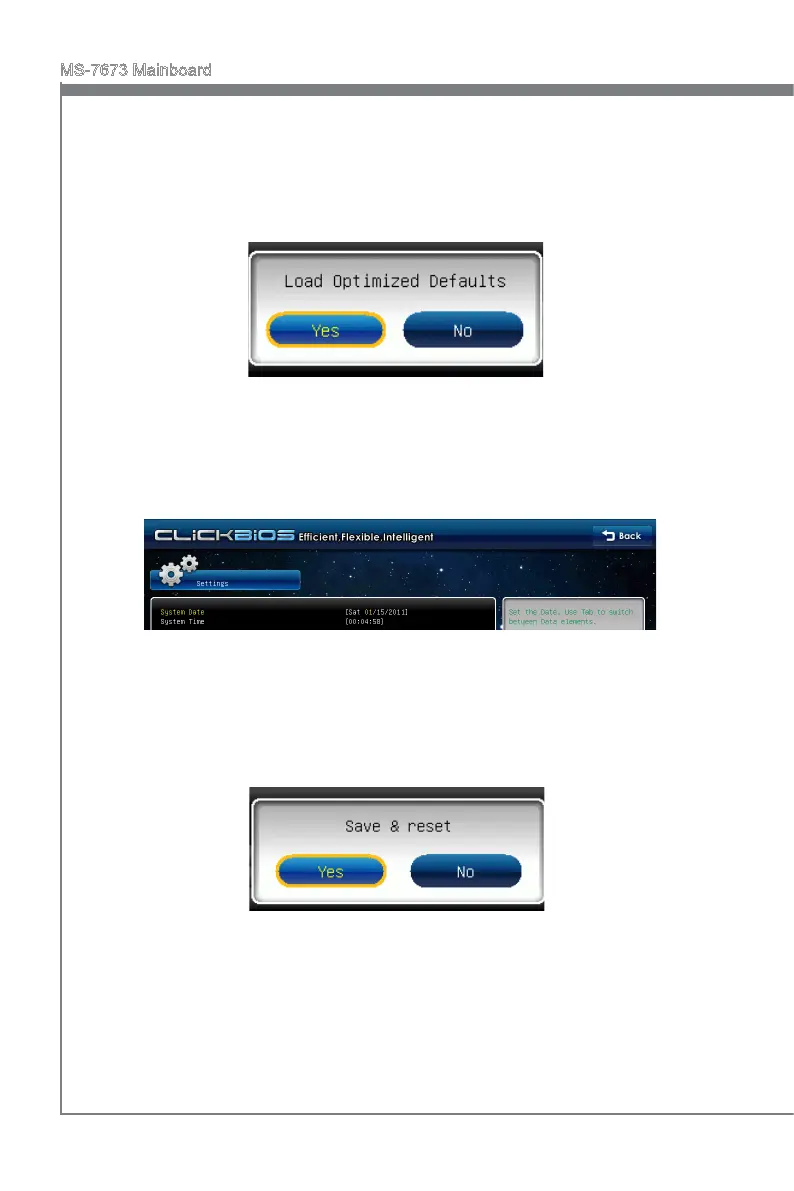
Load Optmzed Defaults : Select [Settngs] -> [Save & Ext] -> [Restore Defaults]
and clck on t. And then the screen shows a pop-up message as below. Select
[Yes] and clck on t to load the default settngs for optmal system performance.
1.
Setup Date/ Tme : Select [Settngs] -> [System Status] -> [System Date]/ [System
Tme] and clck on t. And then, you can key-n the Date, Tme n ther respectve
elds.
2.
Save & Ext Setup : Select [Settngs] -> [Save & Ext] -> [Save Changes & Reset]
and clck on t. And then the screen shows a pop-up message as below. Select
[Yes] and clck on t to save the conguratons and ext BIOS setup utlty.
3.





 To Next Page