En-8
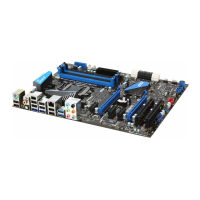
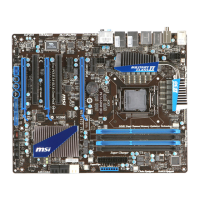
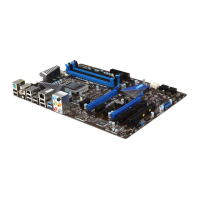
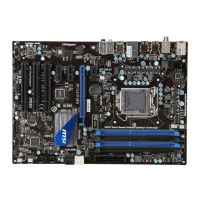
MS-7681 Manboard
Vsually nspect f the CPU s seated
well nto the socket. If not, take out
the CPU wth pure vertcal moton
and renstall.
5. Engage the load lever whle pressng
down lghtly onto the load plate.
6.
Secure the lever near the hook end
under the retenton tab.
7. Make sure the four hooks are n por-
per poston before you nstall the
cooler.
8.
Important
Conrm f your CPU cooler s rmly nstalled before turnng on your system.
Do not touch the CPU socket pns to avod damagng.
•
•
Algnment Key



 To Next Page
 Loading...