En-34
MS-7681 Manboard
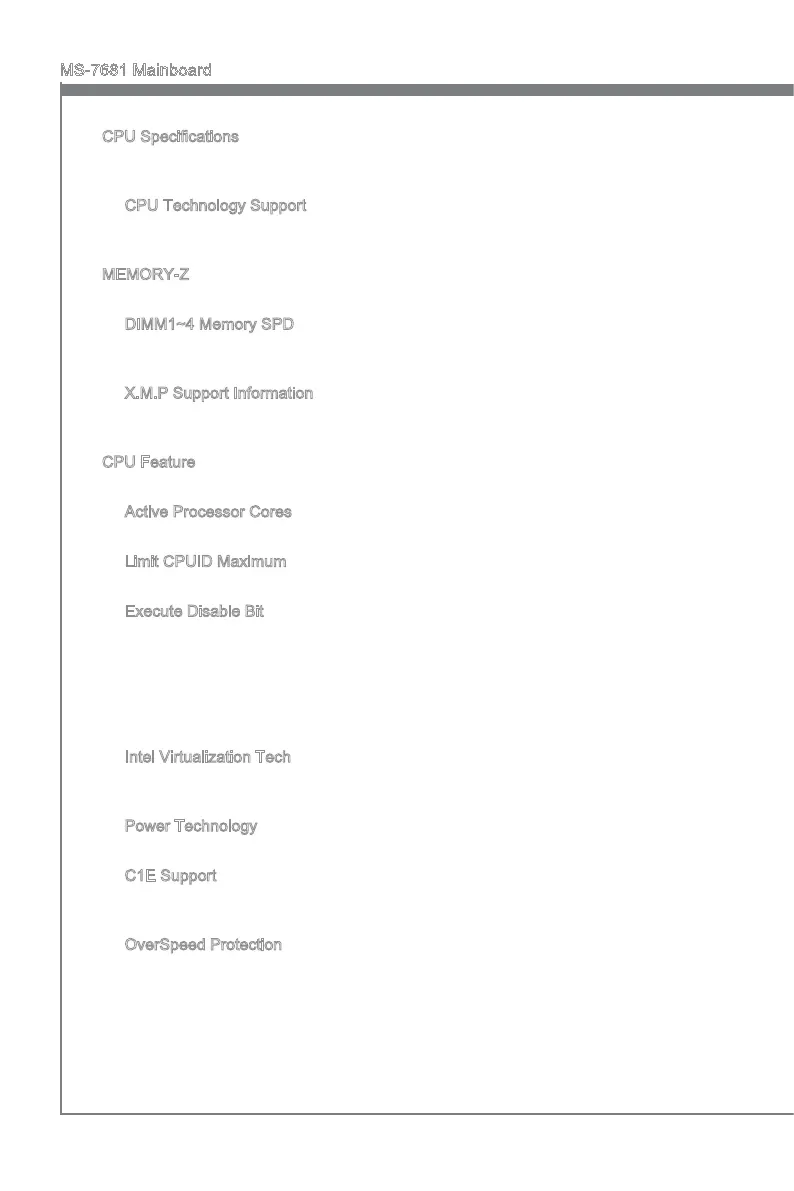
CPU Speccatons
Press <Enter> to enter the sub-menu. The submenu shows the nformaton of nstalled
CPU.
CPU Technology Support
Press <Enter> to enter the sub-menu. The sub-menu shows the nstalled CPU tech
-
nologes. Read only.
MEMORY-Z
Press <Enter> to enter the sub-menu.
DIMM1~4 Memory SPD
Press <Enter> to enter the sub-menu. The sub-menu dsplays the nformatons of
nstalled memory.
X.M.P Support Informaton
Press <Enter> to enter the sub-menu. These tems dsplay the current status of the
X.M.P support nformaton. Read only.
CPU Feature
Press <Enter> to enter the sub-menu and the followng screen appears:
Actve Processor Cores
Ths tem allows you to select the number of actve processor cores.
Lmt CPUID Maxmum
It s desgned to lmt the lsted speed of the processor to older operatng systems.
Execute Dsable Bt
Intel’s Execute Dsable Bt functonalty can prevent certan classes of malcous
“buer overow” attacks when combned wth a supportng operatng system. Ths
functonalty allows the processor to classfy areas n memory by where applcaton
code can execute and where t cannot. When a malcous worm attempts to nsert
code n the buer, the processor dsables code executon, preventng damage or
worm propagaton.
Intel Vrtualzaton Tech
Ths tem s used to enable/dsable the Intel Vrtualzaton technology. For further
nformaton please refer to Intel’s ocal webste.
Power Technology
Ths tem allows you to select the Intel Dynamc Power technology mode.
C1E Support
To enable ths tem to read the CPU power consumpton whle dle. Not all processors
support Enhanced Halt state (C1E).
OverSpeed Protecton
Overspeed Protecton functon can montor the current CPU draws as well as ts
power consumpton. If t exceeds a certan level, the processor automatcally reduces
ts clock speed. If you want to overclock your CPU, set t to [Dsabled].
▶
▶
▶
▶
▶
▶
▶
▶
▶
▶
▶
▶
▶



 To Next Page
 Loading...