3-2 3-3
Getting Started
How to Set Up Bluetooth Connection
Bluetooth pairing is a process in which two Bluetooth devices communicate with each
other through an established connection.
Activating Bluetooth Connection
▶ Checking the Bluetooth status
Before setting up a Bluetooth connection, it is a must to make sure that Airplane
mode is turned off.
● Open up
Settings
, find and click [Devices] and select [Bluetooth & other
devices] within the
Devices
selection menu.
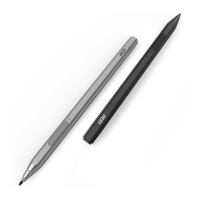
● Pairing the Bluetooth devices, please select MSI Pen.
● Click [Done] to finish pairing MSI Pen.


 To Next Page