9
Connecting the Monitor to PC
1. Turn off your computer.
2. Connect the video cable from the monitor to your computer.
3. Connect the power cord to the monitor power jack. (Figure A)
4. Plug the power cord into the electrical outlet. (Figure B)
5. Turn on the monitor. (Figure C)
6. Power on the computer and the monitor will auto detect the signal source.
⚠
Important
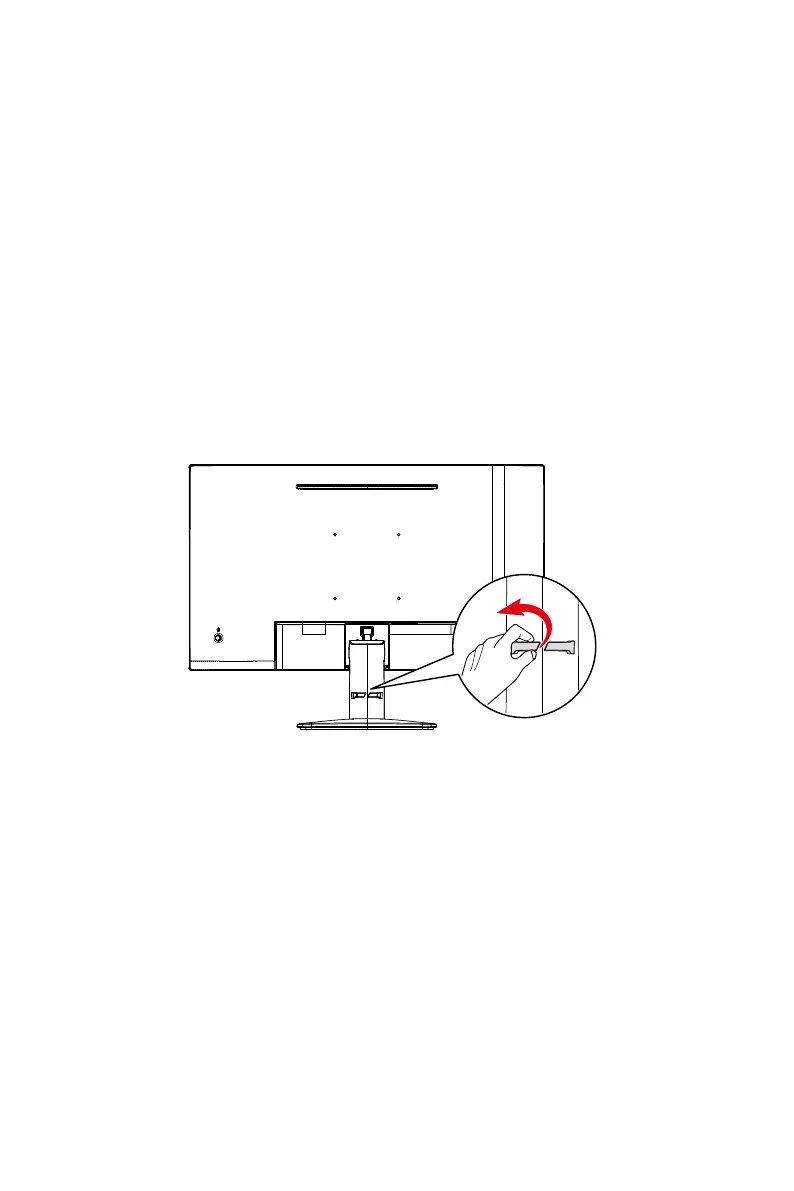
When removing the cable, gently pull the cable organizer outward to easily release the
cable without damaging it.




 To Next Page