16
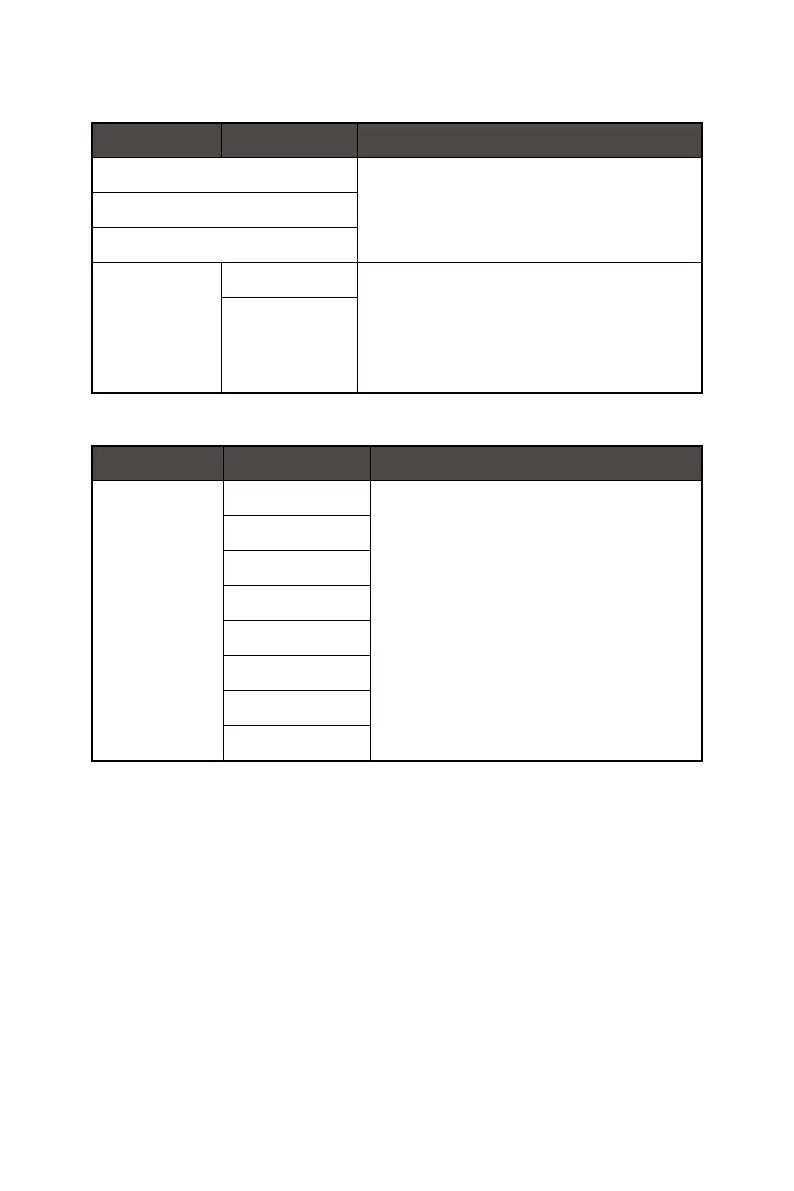
Input Source
1st Level Menu 2nd Level Menu Description
HDMI™ ∙ Users can adjust Input Source in any mode.
DP
D-Sub (PRO MP242A E2, PRO MP271A E2)
Auto Scan OFF ∙ Users can use the Navi Key to select Input Source at
below status:
• While “Auto Scan” is set to “OFF” with the monitor at
power saving mode;
• While “No Signal” message box is shown on the
monitor.
ON
Navi Key
1st Level Menu 2nd Level Menu Description
Up
Down
Left
Right
OFF ∙ All Navi Key items can be adjusted via OSD Menus.
Brightness
Mode
Alarm Clock
Input Source
Refresh Rate
Info. On Screen
Audio Volume




 To Next Page