7
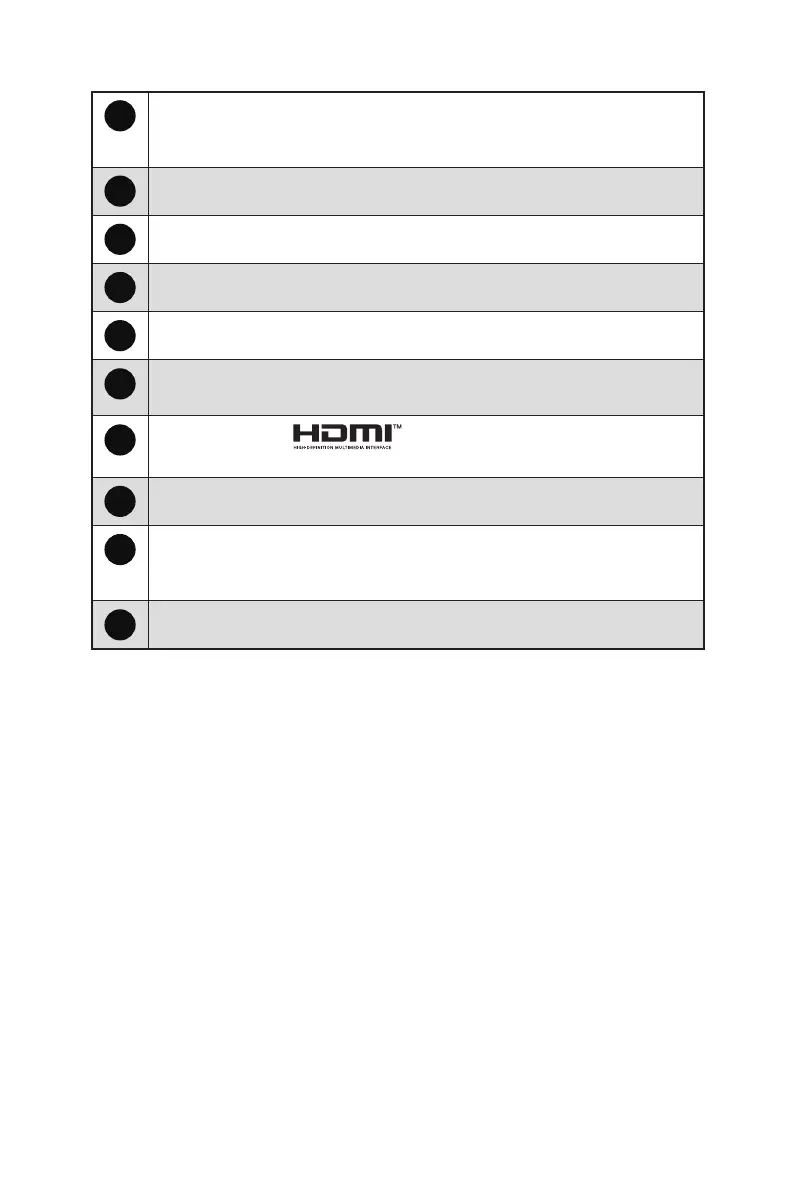
1
Power LED
Lit in white after the monitor is turned on. If no signal input, the LED will
turn into orange. Lit in orange when the monitor is in Stand-by mode.
2
Power Button/ Navi Key
3
Cable Organizer
4
Kensington Lock
5
Power Jack
6
DisplayPort
Supports 1920x1080@120Hz as specified in DisplayPort 1.4a.
7
HDMI™ Connector
Supports HDMI™ CEC, 1920x1080@120Hz as specified in HDMI™ 2.0.
8
D-Sub Port
9
Line-in Jack
For audio playback through the speakers, connect the device’s Line-out jack
to this Line-in jack when using the D-Sub port.
10
Headphone Jack





 To Next Page