3
Getting Started
This chapter provides you with the information on hardware setup procedures. While
connecting devices, be careful in holding the devices and use a grounded wrist strap
to avoid static electricity.
Package Contents
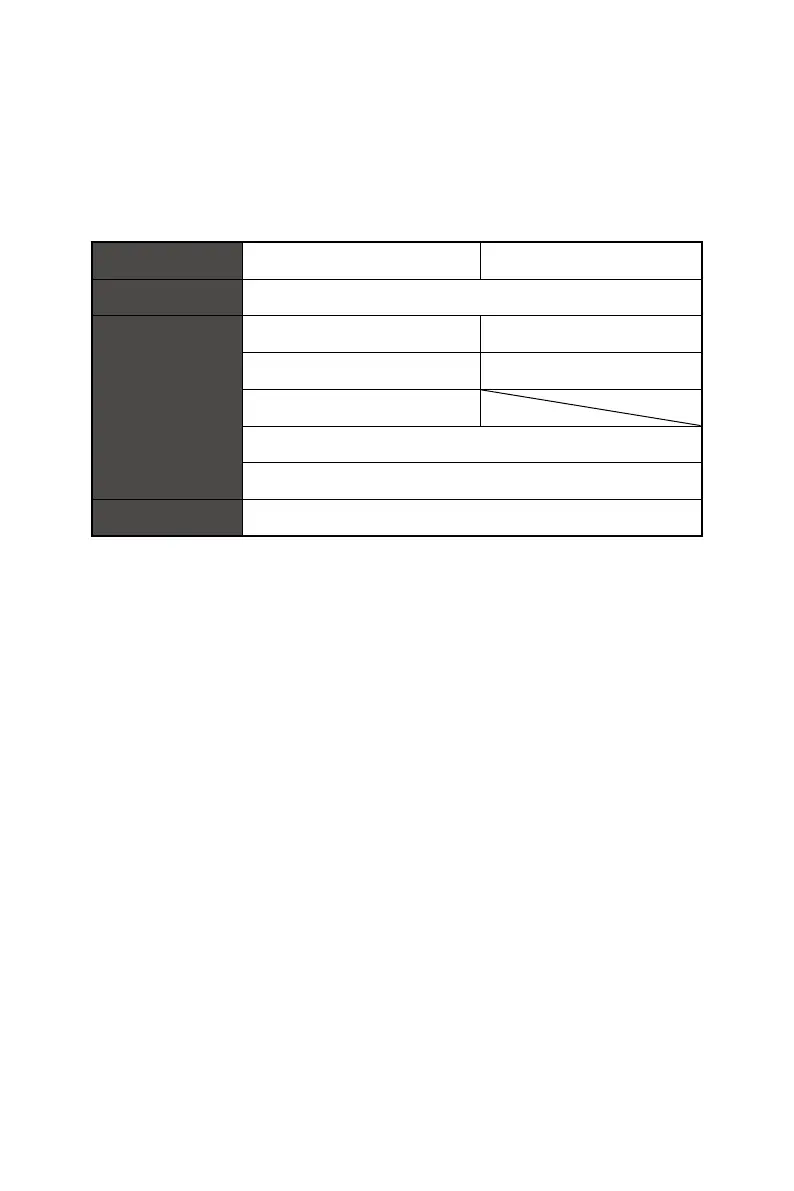
Monitor PRO MP273QP E2 PRO MP273QW E2
Documentation Quick Start Guide
Accessories
Stand with Screw(s) Stand
Stand Base with Screw(s) Stand Base
VESA Plate (Optional)
External Power Supply
Power Cord
Cables Premium High Speed HDMI™ Cable (Optional)
⚠
Important
∙
Contact your place of purchase or local distributor if any of the items is damaged or
missing.
∙
Package contents may vary by country and model.
∙
The included power cord is exclusively for this monitor and should not be used with
other products.




 To Next Page