13
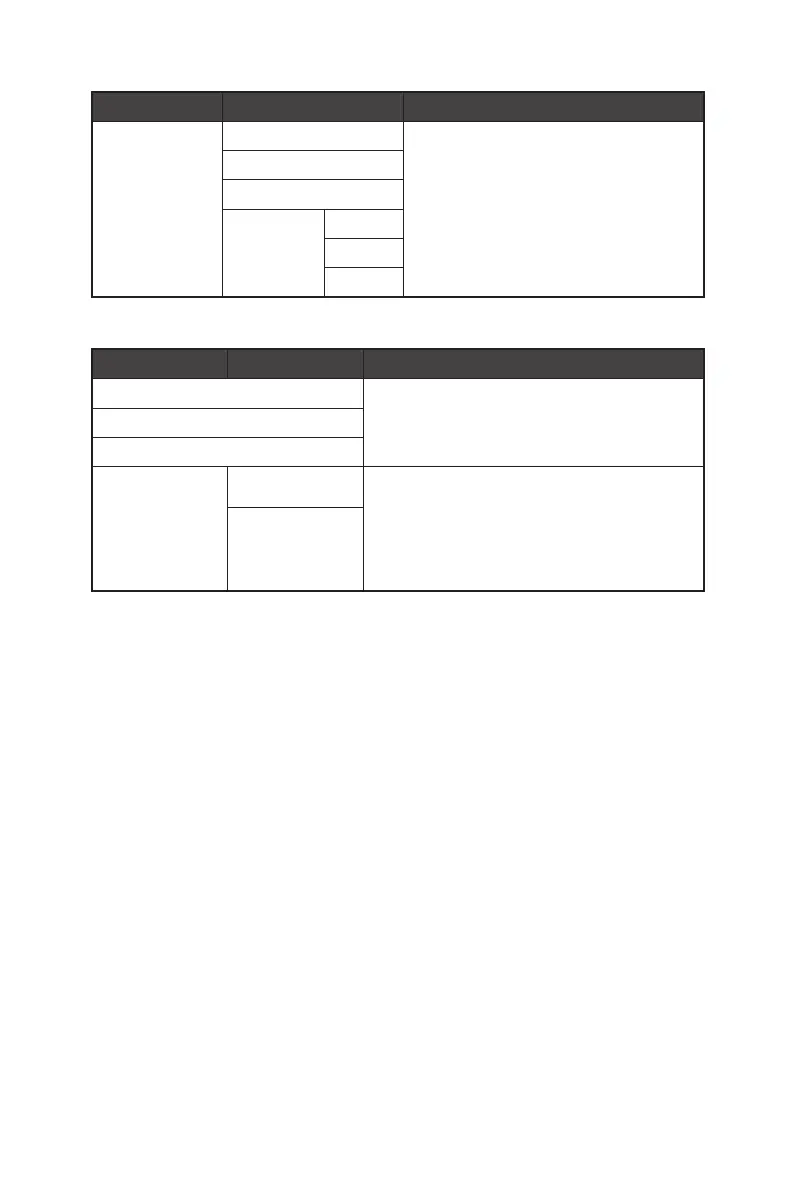
1st Level Menu 2nd/3rd Level Menu Description
Color Temperature Cool ∙ Use Left or Right Button to select and preview
mode effects.
∙ Press the E Button to confirm and apply your
mode type.
∙ Users can adjust Color Temperature in
Customization mode.
Normal
Warm
Customization R (0-100)
G (0-100)
B (0-100)
Input Source
1st Level Menu 2nd Level Menu Description
HDMI™ 1 ∙ Select an Input Source from the list.
HDMI™ 2
DP
Auto Scan OFF ∙ Users can use the Navi Key to select Input Source at
below status:
• While “Auto Scan” is set to “OFF” with the monitor at
power saving mode;
• While “No Signal” message box is shown on the
monitor.
ON


 To Next Page