EasyManua.ls Logo

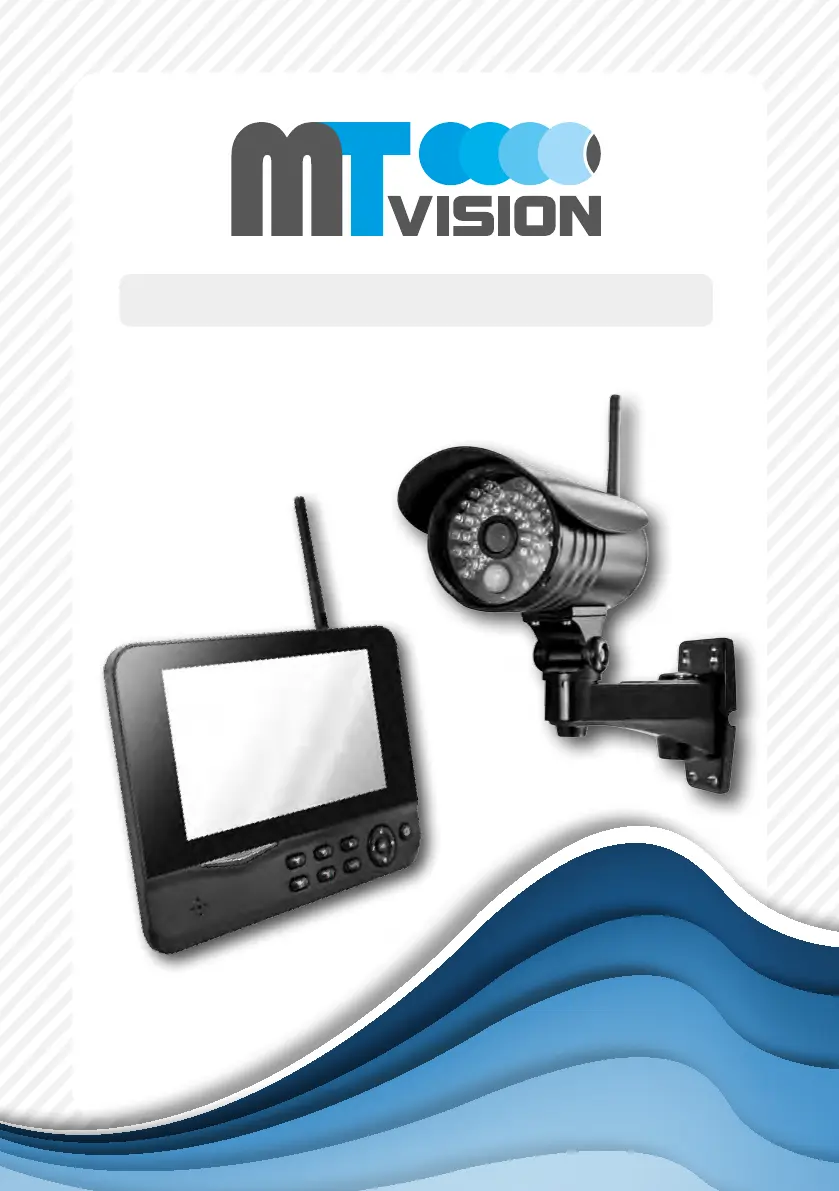
MT Vision HS-200 - User Manual

MT Vision HS-200
33 pages
Go to English
Print Icon
To Next Page IconTo Next Page
Loading...
Bedienungsanleitung
HS-200 / HS-210 / HS-400 / HS-410

Table of Contents

Questions and Answers

  • M
    Michael SnyderAug 12, 2025
    What to do if the MT Vision Digital Camera has no alarm or alarm failed?
    • K
      Kathleen HollandAug 12, 2025
      If your MT Vision Digital Camera's alarm is not working or failing, it could be due to several reasons. The alarm PIP setting might be incorrect (refer to the manual for details). The issue might arise if the camera is blocked by moving objects or barriers, or if there's interference from light, thunder, infrared, or microwaves. The stored recording image may remain unchanged if the pyroelectric sensor's angle is wider than the camera's, triggering it beyond the camera's view. Objects passing through the recording area too quickly (less than 2 seconds) can also cause this. Lastly, a dirty Fresnel shell can be the culprit.
  • K
    Kevin ClarkeAug 21, 2025
    How to fix MT Vision HS-200 Digital Camera if camera is off?
    • S
      Shelby AguilarAug 21, 2025
      If your MT Vision Digital Camera is off, first, ensure that the adapter and camera are properly connected. Secondly, verify the settings for both Active and Display Items, referring to the manual for detailed instructions.
  • D
    Donald RussellAug 31, 2025
    How to troubleshoot no display on MT Vision HS-200?
    • B
      Bryan JohnsonAug 31, 2025
      To troubleshoot a 'no display' issue on your MT Vision Digital Camera, confirm that the adapters of the receiver and camera are properly connected.

MT Vision HS-200 Specifications

General IconGeneral
BrandMT Vision
ModelHS-200
CategoryDigital Camera
LanguageEnglish