36
MAINTENANCE AND OPERATING MANUAL
Chapter 10 - Trouble shooting
The data inside this manual are not binding and they can be modified by the manufacturer without notice. All rights reserved.
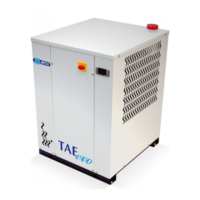
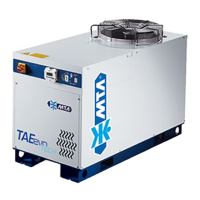
TAEevo015÷351
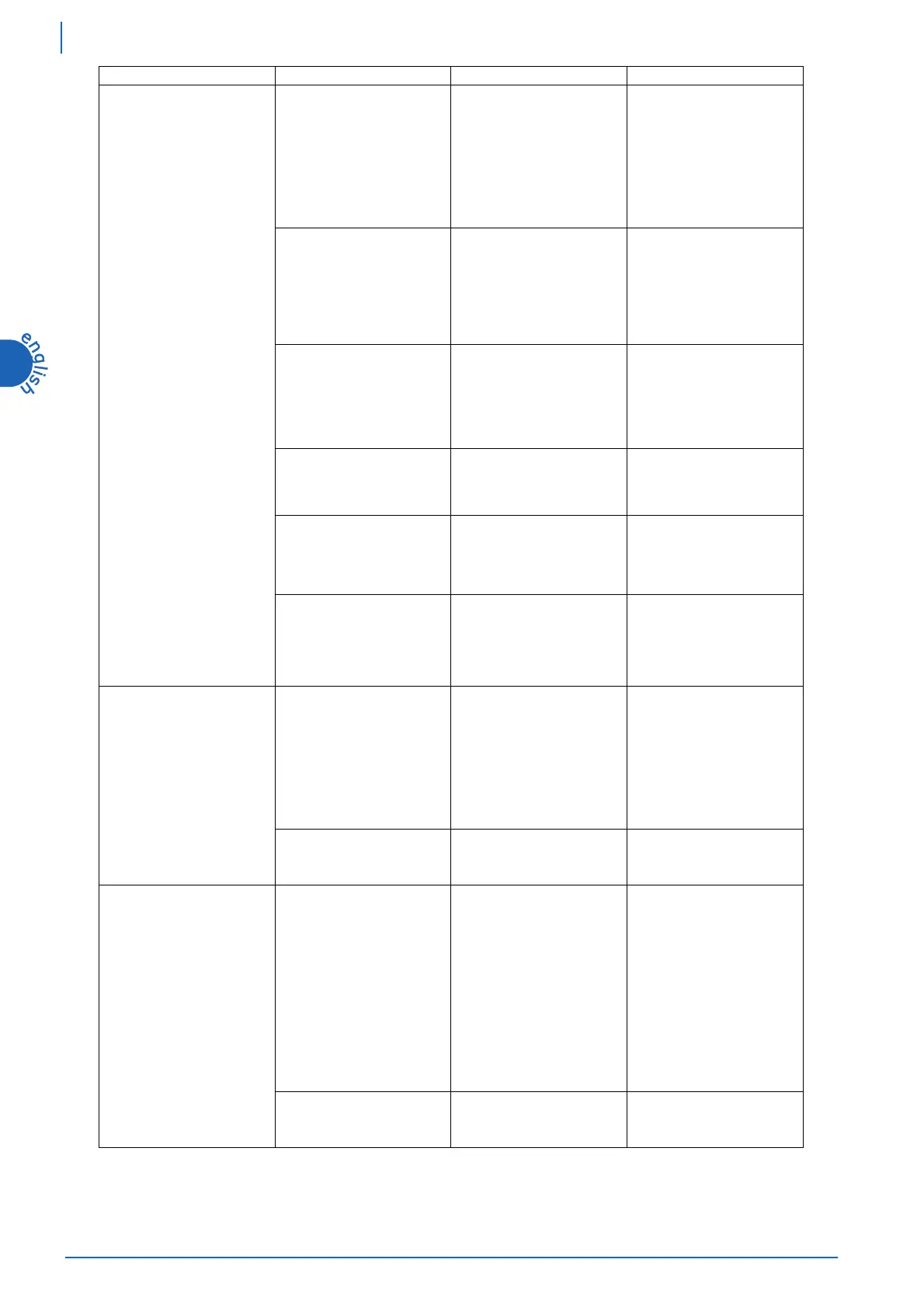
D
High pressure switch
tripped (HP)
Alarm displayed:
A01
D1
The fan doesn’t work.
D1.1
• Refrigerant compressor
stops;
• the indication A01 appears
on the display alternated to
BTWOT
value;
• main alarm relay tripped;
• the led of icon
lights
up.
Repair or replace the fan.
Verify the eventual heat
protection of the fan/s.
Follow the alarm reset
procedure to star up the unit
again (chapter Electronic
Board).
Check the fan speed regulation
system.
D2
Ambient air temperature
too high.
D2.1
• Air ambient temperature
higher than maximum
permitted value;
• see
D1.1
In the event of installation in a
closed place, reduce the
ambient temperature to within
design limits, for example by
increasing local ventilation.
Follow the alarm reset
procedure to star up the unit
again (chapter Electronic
Board).
D3
Recirculation of warm air
due to incorrect
installation location.
D3.1
• Condenser thermal
exchanging air temperature
higher than the permitted
value;
• see
D1.1
Change the position of the unit
or the position of any adjacent
obstructions to avoid
recirculation.
Follow the alarm reset
procedure to star up the unit
again (chapter Electronic
Board).
D4
See
A3
D4.1
See
D1.1
Clean the condenser fins.
Follow the alarm reset
procedure to star up the unit
again (chapter Electronic
Board).
D5
See
A4
D5.1
See
D1.1
Clean the front surface of the
condenser.
Follow the alarm reset
procedure to star up the unit
again (chapter Electronic
Board).
D6
Thermal load too high.
D6.1
• Water outlet temperature
too high;
• refrigerant compressor
stops;
• main alarm relay tripped.
If possible, reduce the thermal
load to within the design
limits.
Follow the alarm reset
procedure to star up the unit
again (chapter Electronic
Board).
E
Low pressure switch
tripped (LP)
Alarm displayed:
A02
E1
Lack of refrigerant (see
also
A5
).
E1.1
• Refrigerant compressor
stops;
• the indication A02 appears
on the display alternated to
BTWOT
value;
• main alarm relay tripped.
• the led of icon
lights
up.
Call a qualified refrigeration
engineer to check for leaks
and replenish refrigerant
charge.
E2
The filter upstream from
the unit is dirty, if
installed.
E2.1
See
E1.1
.
Clean or replace the water
inlet filter, if installed.
F
Compressor protection
trips
Alarm displayed:
A09 or A10
F1
Thermal load too high
combined with a shortage
of refrigerant (also see
A5
).
F1.1
• The head and the body of
the compressor are very
hot;
• the compressor stops and
tries to restart after a short
period (even a few
seconds);
• compressor thermal
protection trips;
• the indication A09 or A10
appears on the display;
• the led of general alarm
icon
lights up.
Call a qualified refrigeration
engineer to check for leaks
and replenish refrigerant
charge.
F2
The rotation direction of
scroll compressor is wrong
(only three-phase units).
F2.1
The refrigerant fluid is
not compressed and the
unit doesn’t cool.
Invert two phases of the power
supply.
PROBLEM CAUSE SYMPTOM REMEDY




 To Next Page