WELCOME TO THE SMART TOUCH SYSTEM
QUESTIONS? Call us at 800-362-6224 I www.mtgsmarttouch.com
15
SMART TOUCH SYSTEM I DRIVER’S SIDE DIAGRAM
SMART TOUCH SYSTEM PASSENGER’S SIDE: ; PARTITION/DIM
QUESTIONS? Call us at 800-362-6224 I www.mtgsmarttouch.com
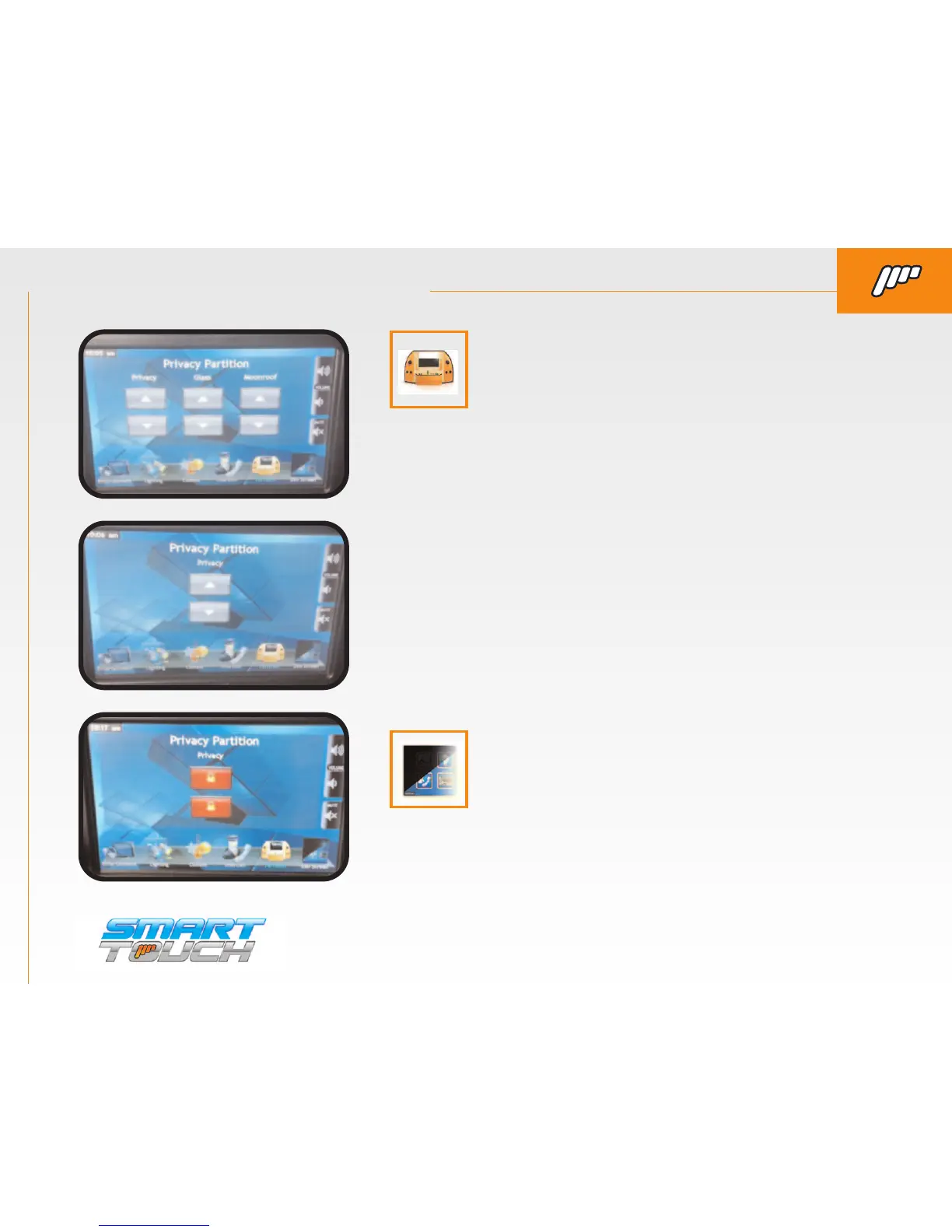
SMART TOUCH SYSTEM PASSENGER’S SIDE: PARTITION/DIM
BY PRESSING THE “DIM LCD” BUTTON YOU CAN ADJUST
THE BRIGHTNESS OF THE SCREEN.
PARTITION. By pressing this button you will enter
the Privacy/Moonroof menu. Your vehicle may not
have all of the controls pictured below.
(This is the most commonly used screen
with only privacy partition controls on it.)
When the partition is locked from the driver’s screen you
will have “lock” buttons on the up and down arrows.



 To Next Page