1770 Brackett St., La Verne CA 91750 USA
•
T:
909-629-7301
•
F:
909-629-7380
•
www.mtnproducts.com
•
sales@mtnproducts.com
Reliably Serving a Thirsty World
®
POU Install
•
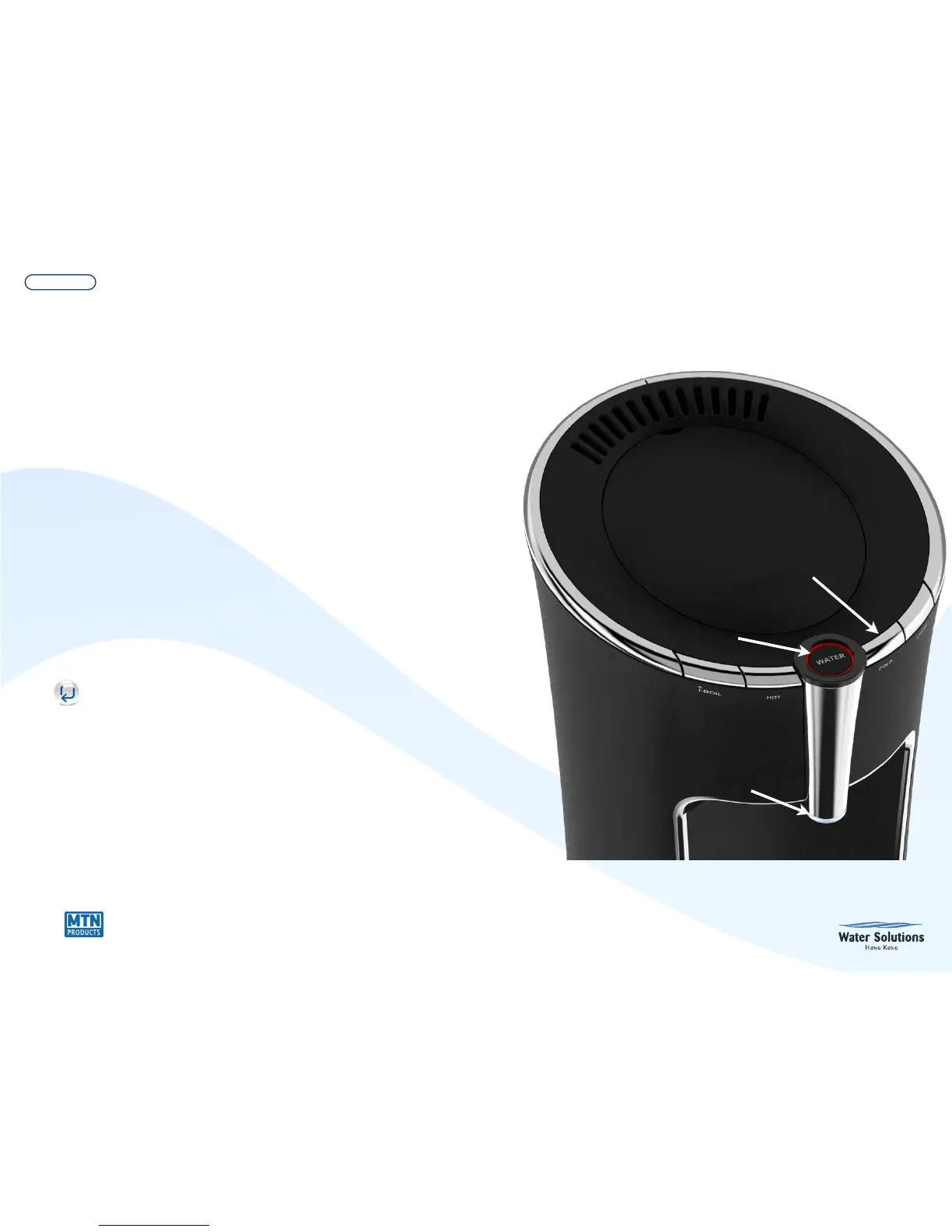
Press “Cold” water button once to select
cold function. Then press
“Water” (energizes cold water pump &
solenoid) to dispense water. The “Water”
dispense button glows blue.
•
Stay-Cool: Cold water pump turns on for 5
seconds every 30 minutes to keep water
cold in the waterways and suppress algae
growth.
•
15 seconds after the last button press, the
system turns off the selected feature and the
ring goes dark.


 To Next Page